In this article
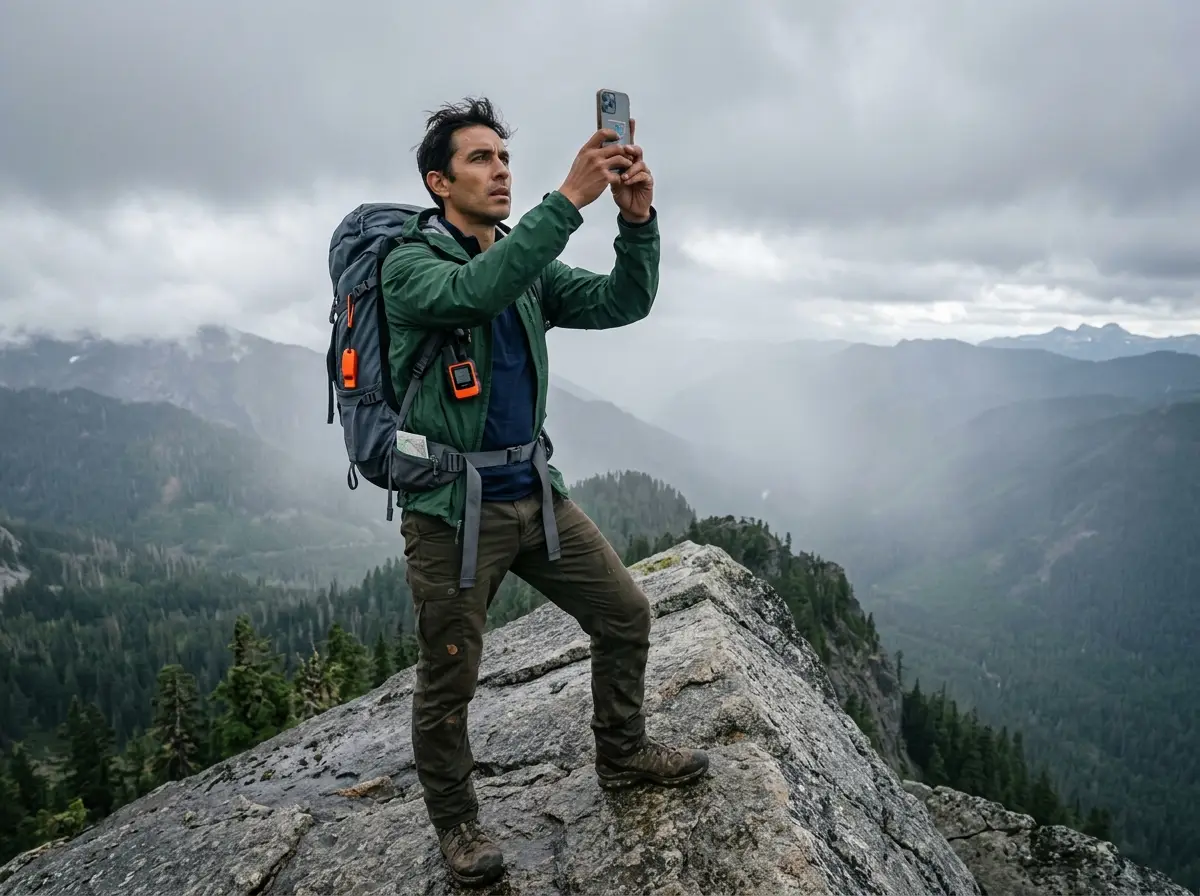
You’re standing on a granite ridge in the Pacific Northwest. Your GPS blue dot is jumping 300 meters across a creek that is nowhere in front of you. Battery at 30%. Temperature dropping. The terrain doesn’t match the screen — that specific disconnect between what the device says and what your feet are telling you is where hikers get into serious trouble.
I’ve been on that ridge. The moment when the map shows a trail and the ground answers with sheer rock is the moment when every assumption you made at the trailhead cashes out.
According to National Park Service search and rescue incident data, hiking accounts for 48% of all SAR operations — 65,439 incidents over 15 years, with 20% of those subjects surviving only because a team reached them in time. This article maps why those failures happen and how to build a navigation redundancy matrix that survives every one of them.
⚡ Quick Answer: Most hikers get lost because they rely on a single digital tool — a smartphone — in conditions it cannot handle. Phones go dark in cold temperatures not because the battery is empty, but because the chemistry physically can’t deliver power under load. GPS blue dots lie in canyons and dense canopy. Crowdsourced trail apps like AllTrails and Google Maps contain phantom trails that lead to cliff bands. Add compass errors from magnetic declination and heuristic traps like summit fever disorientation, and you have five separate failure points that can cascade into a search-and-rescue call. The fix is redundancy: map, compass, terrain features — in that order.
Why Your Phone Fails Exactly When You Need It Most
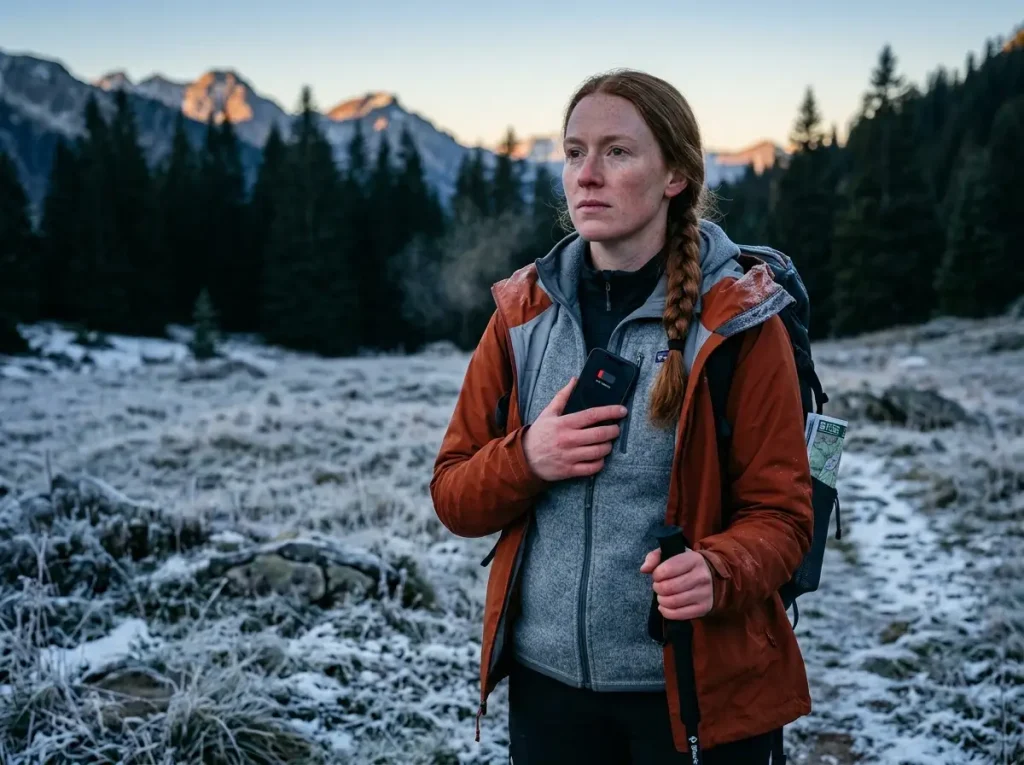
The phone lying in your hip belt pocket isn’t just cold. It’s chemically shutting down.
Lithium-ion batteries work by moving ions through a fluid between two terminals. At room temperature, those ions flow freely and the battery delivers what the charge indicator promises. Drop the temperature toward freezing and the fluid thickens — not gradually, but fast. Internal resistance spikes dramatically. When that happens, the battery’s built-in protection circuit detects voltage dropping below a safe threshold and shuts the phone off. Not because the energy is gone. Because the cold won’t let the battery deliver it.
This is why your phone shows 30% and then goes dark the instant you try to make an emergency call. The GPS location burst, the 911 call, the camera flash — these are all high-draw events. Each one collapses a cold battery’s output past the shutdown point. The bar on screen is a lie at sub-zero temperatures. Phone battery life in cold weather is not what the percentage indicator tells you.
Here’s the part manufacturers don’t advertise: warm the phone against your skin and it comes back. The energy was always there. The cold blocked access to it.
I’ve pulled a phone from an outer hip pocket in January on a Washington ridgeline — showing 30% battery, completely unresponsive. Tucked it against my chest under two layers. Four minutes later it was working. The battery hadn’t died. The cold had put it in a box it couldn’t climb out of.
Pro tip: Treat your phone like your base layer — keep it against your skin, not in an outer pack pocket. By the time you feel the cold through your shell, your phone is already failing.
Charging a cold phone creates a second problem. When you plug a power bank into a phone below freezing, ions can’t move fast enough back into the anode. They deposit as metallic buildup on the surface — a permanent capacity reduction and a potential short-circuit risk. A power bank plugged into a cold phone is not rescue equipment. It’s long-term hardware damage. Let the phone warm to at least the mid-40s Fahrenheit against your chest before plugging in.
A dedicated Garmin InReach or GPSMAP 66i operates to –20°C with cold-hardened circuitry and high-gain helix antennas. That gap isn’t a marketing claim — it’s a different engineering architecture built for external temperature operation. Consumer smartphones were not designed for the backcountry. The physics don’t care what the case says.
If you want to keep your phone running all day in the field: GPS tracks all day without draining your battery — the protocols include cold-weather handling and power bank timing.
The Invisible Error: How GPS Lies to You in the Backcountry
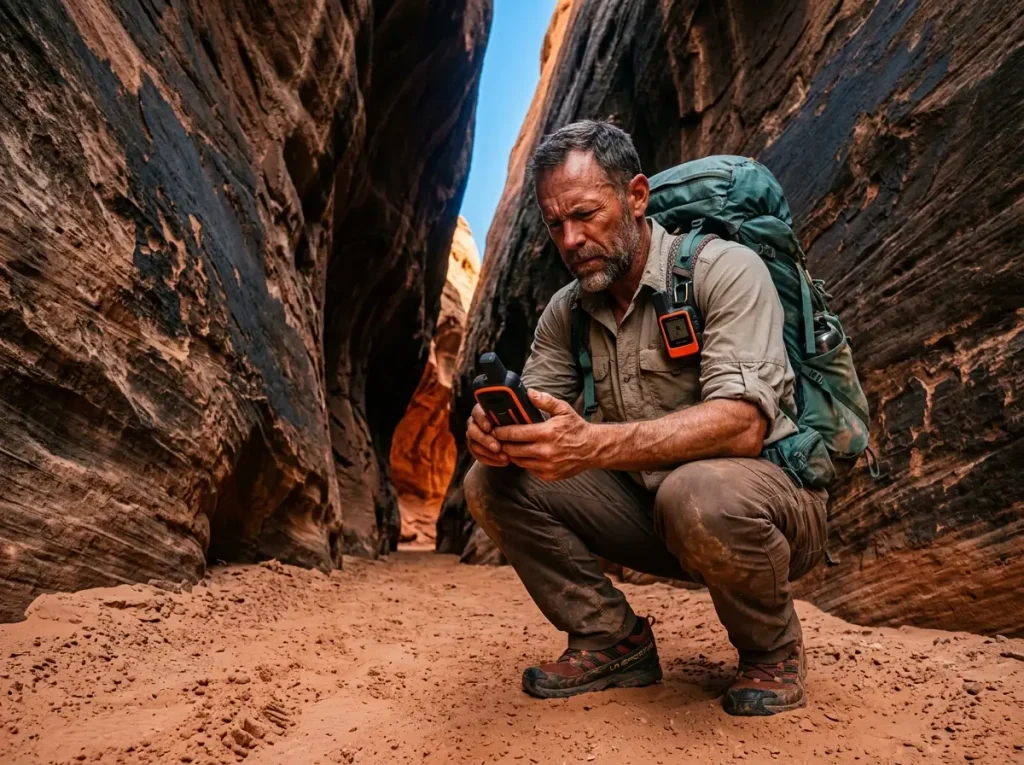
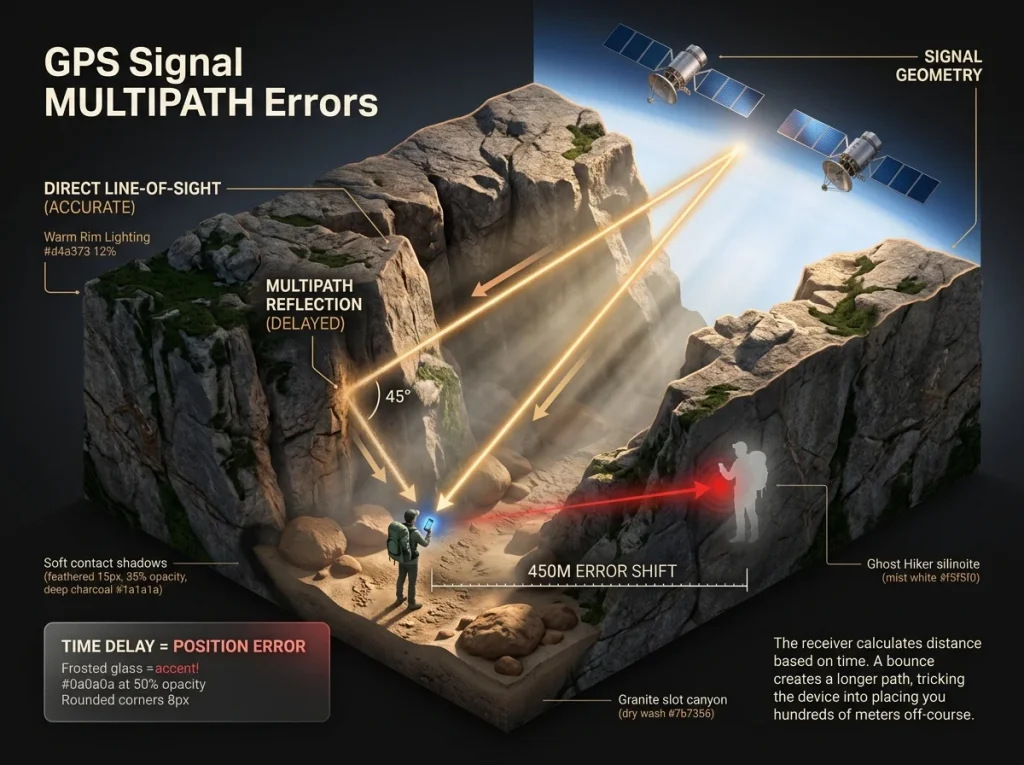
A GPS receiver is a clock measuring time-of-flight for radio signals from satellites. In open sky, that’s accurate to 2–3 meters. In a slot canyon, it can be off by 450 meters. That’s not a software bug. That’s physics.
Multipath interference in deep canyons happens when GPS signals bounce off granite walls before reaching your antenna. The receiver can’t distinguish the reflected path from the direct one. The time delay creates a position error — the device calculates a longer path as if the signal came from a different location. To you, the blue dot jumps across a drainage or lands you on the opposite side of a cliff band. ESA engineering data confirms the 450-meter error ceiling in severe canyon conditions. The Dilution of Precision metric is the diagnostic — high values mean poor satellite geometry and unreliable position fixes. Most consumer apps hide this number entirely.
I’ve stood completely still under wet Pacific Northwest old-growth and watched my GPS track draw a ghost line 50 meters to my left. The phone is confidently wrong. That’s canopy interference — water content in pine needles absorbs and scatters the radio waves, degrading the signal until the receiver drifts. GPS drift while stationary is the giveaway. If your track is moving and you’re not, stop trusting the screen.
Pro tip: If your GPS track shows movement while you’re standing still, the terrain is the only source of truth. A reflected radio wave cannot be corrected by scrolling the screen.
Consumer apps like AllTrails reduce GPS polling frequency to save battery — a trade-off most hikers never know they’re making. Low sampling rates mean low-resolution tracks that can place you 50–100 meters off your true position. Enough to send you down the wrong drainage. The difference between a GPS app and a dedicated device is sampling rate, antenna design, and multi-constellation reception. That’s the gap between a tool and a liability.
For a thorough breakdown of how a dedicated GPS unit handles canopy interference compared to a phone, the field data on signal acquisition under tree cover is worth reading before your next trip.
Phantom Trails and the Crowdsourced Map Trap
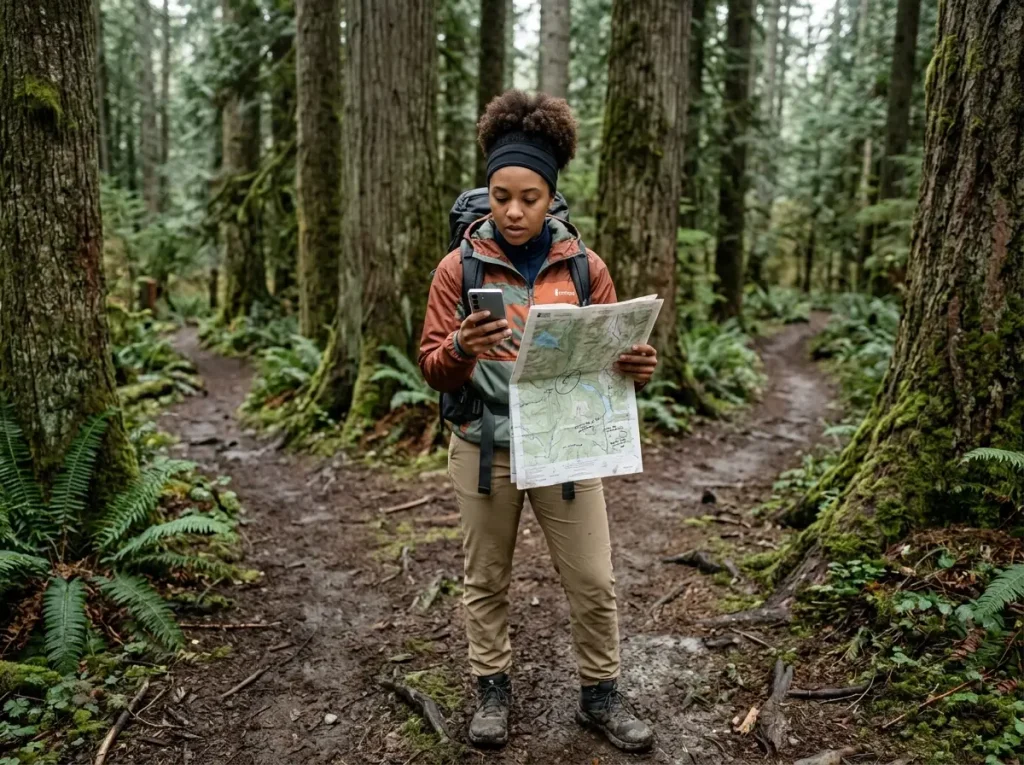
North Shore Rescue Team Leader Doug Pope said it without diplomacy: “Google Maps is only good for what the rescuers described as ‘urban street map’ navigation… hikers should spend more time planning their trips without relying solely on navigation apps.”
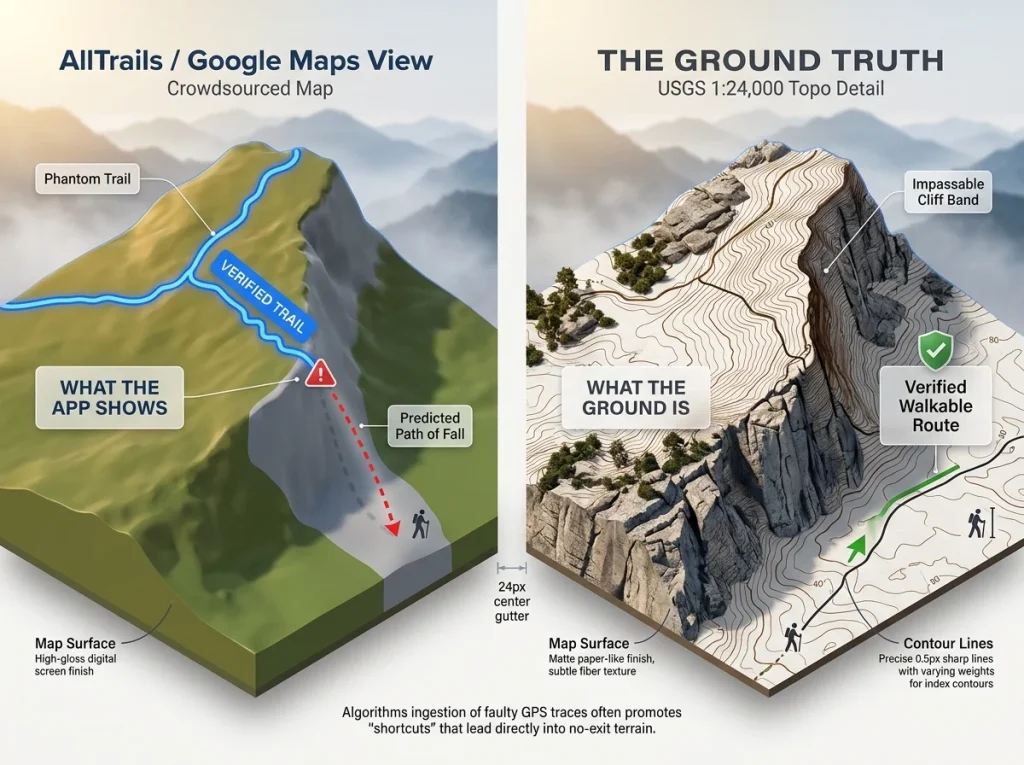
He said that after helicopter-extracting hikers from a “verified” Google Maps trail on Mt. Fromme that led directly to a 70-degree cliff band. Multiple hikers were stranded. One required evacuation and never returned to the trail under their own power.
Here’s the failure mode: crowdsourced mapping platforms like AllTrails and Google Maps ingest GPS traces from thousands of users. When any previous hiker took a shortcut, wandered off-trail, or simply got lost and uploaded their track, that erroneous route can be algorithmically promoted and labeled “verified.” The platform has no way to know if the person was walking a real trail or just walking. Your phone can’t tell either.
Google Maps was built for urban 2D navigation — discrete streets, known intersections. Wilderness navigation is 3D and continuous. A 10-foot map error on a street puts you on the sidewalk. The same error on a ridge can put you on a no-exit path. Digital maps optimized for cities carry that same 2D assumption into terrain that does not forgive it.
The NPS Ten Essentials navigation requirement mandates a paper map and compass because no digital app can substitute for verified topographic data in wilderness terrain. This isn’t a cautious suggestion — it’s a standard written in SAR incident reports.
USGS 1:24,000 topographic maps are ground-truthed by federal surveyors — not crowdsourced GPS traces. Contour line intervals at 40-foot spacing show you what the app can’t: whether the terrain between two points is walkable or impassable. Before any backcountry trip, cross-reference your digital route against the official USGS topo of the same area. Caltopo is the preferred tool among SAR teams — it integrates USGS data with custom overlays and works offline.
Once you commit to using topos, the skill that actually saves you is reading those contour lines. How to read contour lines and identify impassable terrain on a topo map is worth drilling before the trip, not during.
When the app says trail and the ground says cliff: stop. Identify a catching feature — a creek, ridgeline, or road — that marks the edge of your navigation error. Return to the last position where terrain and map agreed. Do not follow digital data into physically contradictory terrain. That specific decision — continuing forward when everything is wrong — is the exact failure mode that activates SAR.
If you’re still evaluating which offline map apps actually hold up in the backcountry, the field comparison is worth reviewing before you put weight on any of them.
The 180-Degree Error and Compass Physics
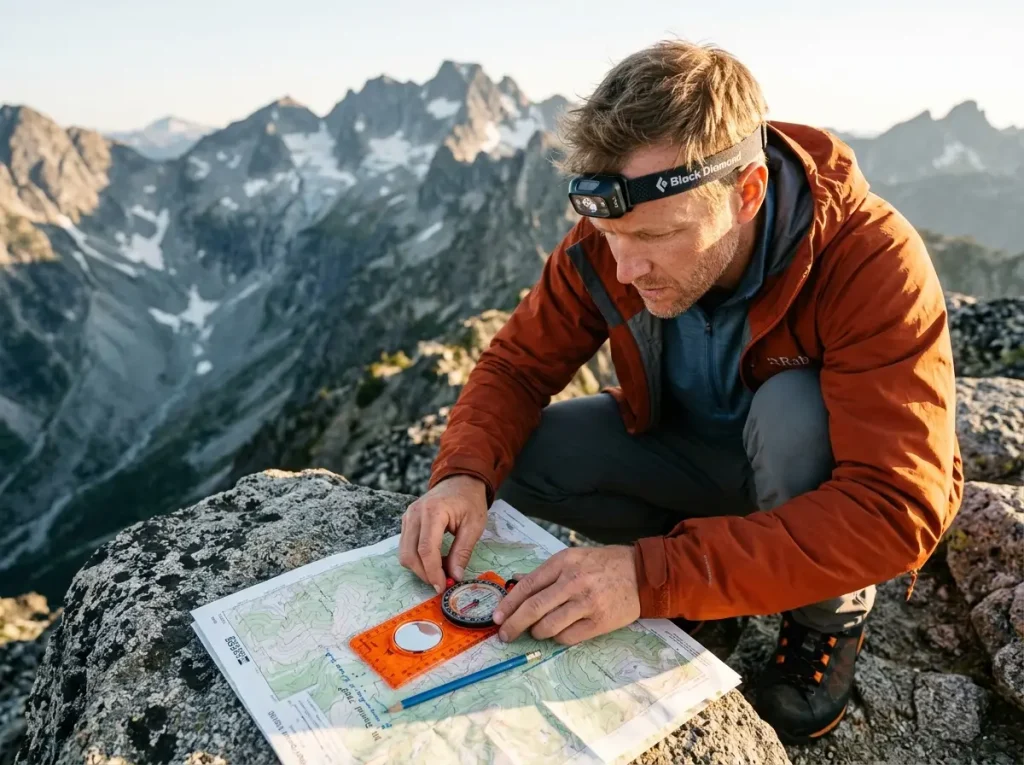
Most hikers know they’re supposed to carry a compass. Most of them have never heard of the 180-degree navigation reversal — the error that sends you confidently in exactly the wrong direction.
Magnetic declination is the angle between Magnetic North and True North at your location. In the Pacific Northwest, that gap can exceed 15–20° East. Over just three miles of hiking, an uncorrected 15° declination error displaces you nearly 0.8 miles from your intended target. At a ridge junction where two drainages fall in opposite directions, that displacement is not recoverable on foot before dark.
Declination isn’t fixed. It changes annually. A map printed five years ago has a different declination value than today’s terrain truth. Set the correction dial on your baseplate compass before departure. Verify that digital apps are auto-updating from the World Magnetic Model. The British Geological Survey source on declination correction in smartphone navigation confirms how variance across regions compounds fast over distance.
For your specific region and the full adjustment protocol: how to calculate and apply magnetic declination for your region.
The 180-degree error lives at the intersection of fatigue and commitment. After hours of technical terrain, your brain shifts from deliberate to intuitive processing. In that state, a navigator aligns the south end of the compass needle with the north end of the orienting arrow — reversing their bearing exactly. The error is invisible in flat terrain. At a ridge junction where two drainages fall in opposite directions, it’s catastrophic.
The fix takes two seconds: “red in the shed.” The red (north) end of the compass needle must sit inside the orienting arrow before you read a bearing. Back-bearing verification catches the error if you miss it: take your forward bearing, walk, then turn and take a back-bearing. If they don’t differ by 180°, stop and reset.
Smartphone compass interference adds another layer that most people never account for. Smartphone compasses use magnetic sensors — highly sensitive to nearby fields. A magnetic phone case, a car mount, a metal belt buckle, even an adjacent phone can deflect compass readings by 10–30 degrees. Bearing drift from magnetic interference is invisible. You’ll follow a bearing you believe is accurate in a direction the terrain will eventually contradict.
Calibration protocol: move the phone in a figure-8 to flush stored magnetic bias. In field use, hold the phone level, away from your body and metal gear, before each bearing. Or use a standalone baseplate compass that operates on pure mechanical needle physics. That’s what which baseplate compass features actually prevent bearing errors covers in detail.
Heuristic Traps: The Psychology of Getting Dangerously Lost
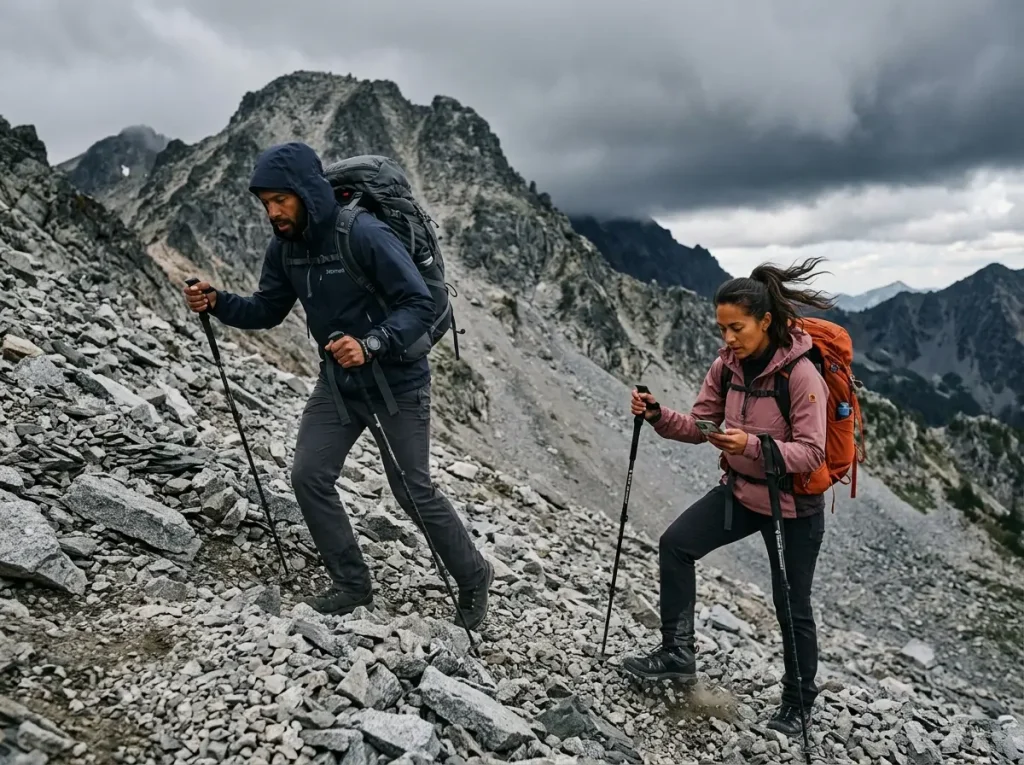
SAR data shows something counterintuitive: experienced hikers are statistically more likely to require rescue than novices. Experience doesn’t protect you from heuristic traps in backcountry decision making. It makes you more vulnerable to them.
Researcher Ian McCammon formalized six traps under the acronym FACETS: Familiarity, Acceptance, Consistency/Commitment, Expert Halo, Social Facilitation, Scarcity. Each one is a mental shortcut that feels like good judgment but distorts risk evaluation in complex terrain. McCammon put it directly: “Heuristic traps are mental shortcuts… they usually help decisions feel fast and easy but can subconsciously push people toward poor choices in complex, high-consequence environments.”
Familiarity says: “I hiked this ridge in July, it’ll be fine in November.” The Consistency trap — what most people call summit fever disorientation — says: “We’ve come this far, turning back wastes the whole day.” Scarcity says: “We have to reach the summit before the light dies.” Each one feels rational in the moment. Each one is actively overriding navigation data with emotional momentum.
The Sierra Madre Search and Rescue analysis of heuristic traps in backcountry decision-making applies McCammon’s framework directly to wilderness navigation — the same mental shortcuts that cause avalanche fatalities cause navigation failures. The mechanism is identical.
Micro-navigation fatigue amplifies every trap. Technical terrain requires constant high-frequency decisions. As the brain tires, analytical thinking degrades and intuitive shortcuts take over — the precise mental state where the 180-degree error lives and where summit fever runs unopposed. Mount Rainier’s roughly 50% summit success rate is a data point: the primary stoppers are fatigue and weather, not technical skill. Fatigue changes the quality of every navigation decision after the point it sets in.
I’ve seen the Expert Halo in action on group trips — everyone quiet while the most experienced person takes a bearing, nobody wanting to be the one who says “that doesn’t match the map.” It took me years to start being the person who says it. Now I require it.
How summit fever distorts turnaround time decisions — with a concrete framework for setting a turnaround time and holding to it — is the operational countermeasure.
The Expert Halo trap functions in group navigation: the group suppresses doubt out of deference to whoever seems most experienced. That person is equally susceptible to heuristic bias. Counter-protocol: designate a “devil’s advocate” navigator assigned to challenge bearings and check-backs at every decision point. Navigation decisions must be checkable by any member of the group, not just trusted to the leader.
Pro tip: If the terrain doesn’t match what you see on the screen, stop. The screen is a model. The ground is the reality. The ground always wins.
The Navigation Redundancy Matrix: Building a System That Survives Every Failure
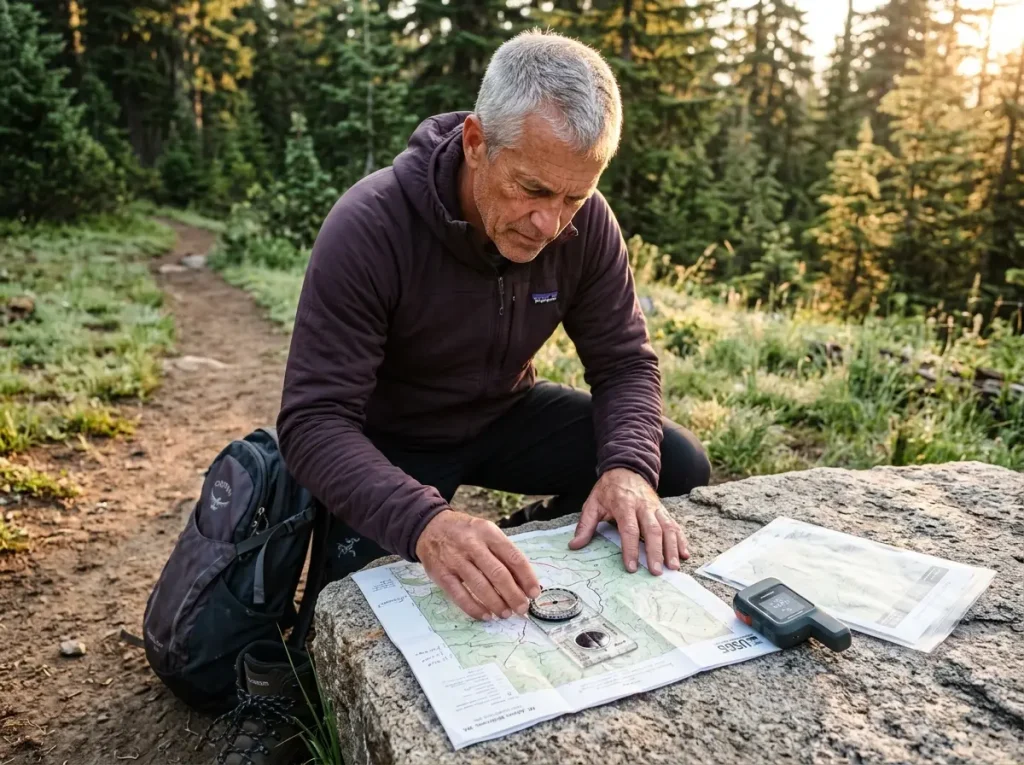
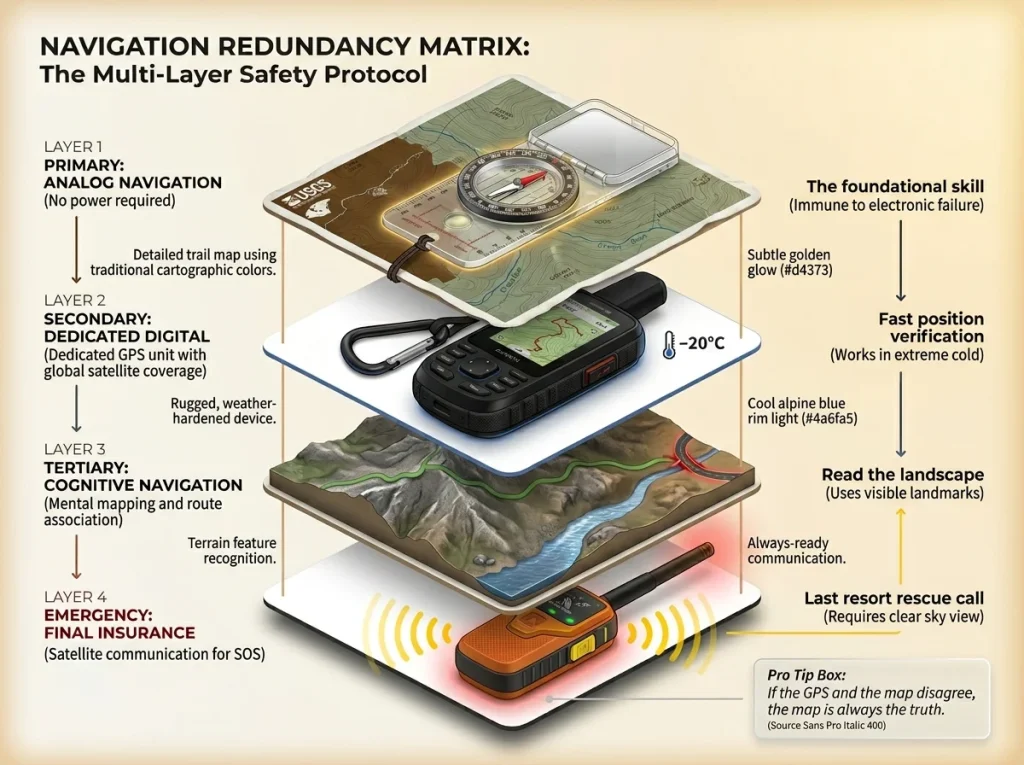
Every failure point above — cold voltage sag, multipath interference, phantom trails, bearing drift, heuristic traps — has a counter. The navigation redundancy matrix is not gear maximalism. It’s a layered system where each layer covers the failure mode of the last.
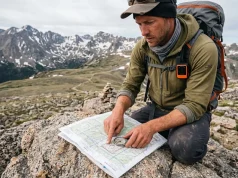
Primary layer: Map and compass. A USGS 1:24,000 topo map and a liquid-damped baseplate compass — Suunto MC-2 or Silva Ranger — require no batteries, no signal, and are immune to multipath interference and voltage sag and premature device shutdown. Waterproof the map before departure; field waterproofing in rain is unreliable. Set declination at home, not under fatigue. Before leaving the trailhead, mark three terrain “handrail features” — ridgeline, creek, trail — and two “catching features” that signal you’ve overshot.
Why the analog layer is primary, not backup: why analog navigation skills outperform digital tools when conditions deteriorate makes the case with field data. For the practical waterproofing prep: field-tested methods for waterproofing your topo map before a trip.
Secondary layer: Dedicated handheld GPS. A Garmin InReach or GPSMAP 66i is rated to –20°C, uses high-gain helix antennas for improved canopy penetration, and pulls from multi-constellation systems — GPS, GLONASS, and Galileo simultaneously. Use it as digital verification, not as your primary. Rule of thumb: “If the InReach and the topo agree, trust the topo. If they disagree, trust the topo.”
The communications layer closes the gap if navigation fails completely: why a PLB or satellite messenger is the final insurance layer in any redundancy system.
Tertiary layer: Terrain-based cognitive navigation. “Handrailing” — following a ridge or creek instead of a compass bearing — is the most robust technique in poor visibility. It’s immune to electromagnetic interference, cold battery failure, and software errors. Catching features act as analog fail-safes: a creek or road marks the outer boundary of an acceptable navigation error. Hit your catching feature unexpectedly? Stop. Don’t continue forward. Return to the last confirmed position.
How to use terrain features to orient yourself without a compass covers handrailing and catching feature selection in detail — the skills that work when everything else has failed.
Pro tip: Plan three terrain handrails and two catching features on every backcountry map before leaving the trailhead. They cost nothing and survive every tech failure.
Conclusion
Three things you take off this ridge:
Your phone will fail in cold terrain — not because the battery is dead, but because the physics of a cold electrolyte will not let it deliver what’s chemically stored. Your analog map doesn’t care about voltage.
GPS accuracy is not a guarantee. It’s the best-case scenario in open sky. In canyons, under canopy, and on crowdsourced phantom trails, the blue dot trap is real. The topo is fact.
The most hazardous navigation mistake isn’t the wrong bearing or the dead phone. It’s the decision to trust a single system. Redundancy isn’t paranoia — it’s the minimum standard for backcountry travel.
On your next trip, build the navigation redundancy matrix before you leave the trailhead. Set declination. Mark your handrails and catching features on the topo. Keep the phone inside your insulating layer. That’s accounting for the physics of failure — not assuming your way past them.
FAQ
What is the most common reason hikers get lost?
Overreliance on a single electronic device — typically a smartphone — without a backup analog system. Smartphones fail from voltage sag and premature device shutdown in cold, GPS drift from multipath interference in canyons, and crowdsourced phantom trails that don’t exist on the ground. A USGS topo map and calibrated compass eliminate the single-point-of-failure problem.
How do I navigate without a phone in the backcountry?
Three steps: orient your USGS topo using a baseplate compass adjusted for local magnetic declination; identify two terrain handrail features (ridge, creek, trail); mark a catching feature — a road or creek — as a fail-safe if you overshoot. These work in any weather with zero battery.
Does GPS work without cell service?
Yes — GPS satellites broadcast continuously and don’t need cellular. The failure is accuracy degradation from multipath interference in canyons and canopy absorption in dense forest. Cell service has nothing to do with it. Satellite geometry and terrain obstruction are the variables.
What should I do if I get lost hiking?
Apply the S.T.O.P. protocol: Stop, Think, Observe, Plan. Stop moving immediately. Think back to when terrain matched the map. Observe catching features — creek, ridgeline, junction — that can anchor your position. Plan a return to the last confirmed location. If you carry a satellite messenger, activate non-emergency tracking so SAR has your last known position.
Can magnetic declination really cause hikers to get lost?
Yes, and it compounds with distance. An uncorrected 15° declination — common in the Pacific Northwest — displaces a hiker nearly a mile off-course after just three miles. The bearing drift is invisible on flat terrain and catastrophic at ridge junctions. Set declination before the trip. Not in the field.
Risk Disclaimer: Hiking, trekking, backpacking, and all related outdoor activities involve inherent
risks which may result in serious injury, illness, or death. The information provided on The Hiking Tribe is for
educational and informational purposes only. While we strive for accuracy, information on trails, gear, techniques,
and safety is not a substitute for your own best judgment and thorough preparation. Trail conditions, weather, and
other environmental factors change rapidly and may differ from what is described on this site. Always check with
official sources like park services for the most current alerts and conditions. Never undertake a hike beyond your
abilities and always be prepared for the unexpected. By using this website, you agree that you are solely
responsible for your own safety. Any reliance you place on our content is strictly at your own risk, and you assume
all liability for your actions and decisions in the outdoors. The Hiking Tribe and its authors will not be held
liable for any injury, damage, or loss sustained in connection with the use of the information herein.
Affiliate Disclosure: We are a participant in the Amazon Services LLC Associates Program, an
affiliate advertising program designed to provide a means for us to earn advertising fees by advertising and linking
to Amazon.com. As an Amazon Associate, we earn from qualifying purchases. We are also an official affiliate partner
of Black Diamond Equipment via the AvantLink network. If you click on a Black Diamond affiliate link and make a
purchase, we may earn a commission at no additional cost to you. We also participate in other affiliate programs and
may receive a commission on products purchased through our links. Additional terms are found in the terms of
service.