In this article
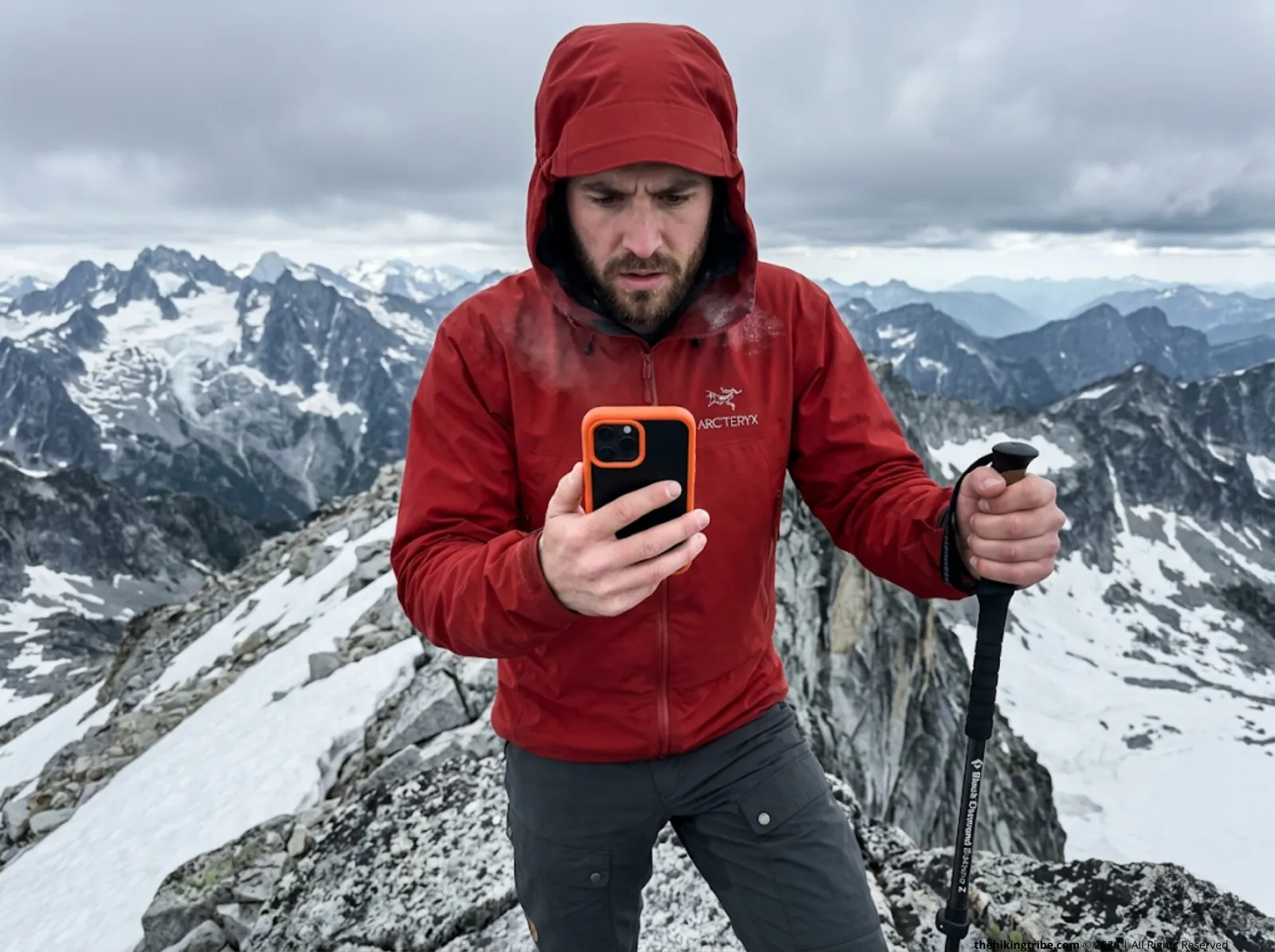
The wind was howling through a deep glacial cirque, dropping the ambient temperature to 10 degrees. When I pulled my smartphone out with numb fingers to check my offline topographic map—an app that ran flawlessly in the city—the screen stuttered, went black, and the device failed instantaneously despite showing 40% battery just minutes earlier.
After fifteen years testing navigation systems on multi-day routes across the Cascades and the Rockies, I’ve seen exactly how brutal the backcountry is on consumer electronics. The transition from paper cartography to consumer GPS apps has democratized backcountry travel, but it has also introduced a hazardous layer of technological fragility.
This guide strips away marketing claims to break down the physics of smartphone navigation. We will evaluate the top five offline mapping apps through brutally honest, high-stakes field tests. You will learn how to balance battery thermodynamics, vector storage constraints, and accuracy flaws to build a fail-safe navigation protocol.
⚡ Quick Answer: Modern smartphones are powerful navigation tools, but extreme cold and dense topography expose their physical vulnerabilities. To navigate safely, you must manage your battery aggressively with Airplane Mode, prioritize vector maps to save storage overhead, and understand how canyon walls create massive GPS errors. The best app relies on your specific technical needs, but all digital systems require a physical backup.
The Physics of Navigation: Why Offline Apps Fail in the Wild
Modern smartphones rely heavily on Assisted GPS (A-GPS). They use cell towers and Wi-Fi to accelerate the Time to First Fix (TTFF). This is fine on city streets, but without cell service or without data, your phone is severely handicapped.
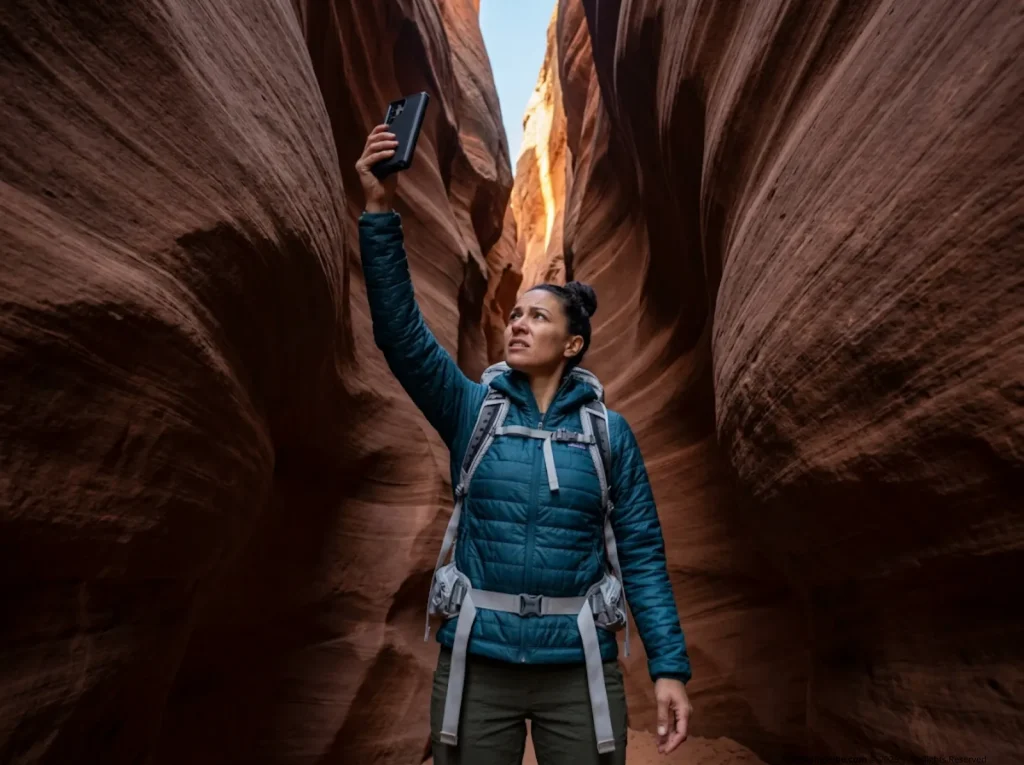
Entering a “signal shadow” like a slot canyon forces the phone into a Cold Start. Your device must search the sky autonomously and download almanac data at a sluggish 50 bits per second, heavily spiking the processor load.
Signal blockage and multipath interference degrade positional accuracy drastically. Satellite signals bounce off rock faces and create “ghost” positioning errors that misplace you by hundreds of feet. Smartphones lack the large, sensitive multi-band antennas found in dedicated hardware, leading to inherent limitations compared to dedicated GPS units. While the government commits to a global average URE of 4 meters under open skies, deep canyons shatter that baseline entirely.
When the electrolyte in your lithium-ion battery thickens in sub-freezing temperatures, the internal resistance jumps. This results in the instant voltage-drop shutdown that leaves you entirely blind, regardless of what your battery percent indicator says.
The Cold Start Battery Drain
A Cold Start means the device lacks valid ephemeris data and must perform a full sky search. This handshake process spikes CPU usage, causing unexpected battery consumption per hour to skyrocket if you keep checking the map repeatedly in zero-service zones. Your phone works incredibly hard internally just to tell you where you are standing.
Pro tip: Keep your phone warm against your base layer to prevent cold from compounding this initial battery load. Body heat keeps the internal battery chemistry fluid and receptive.
Signal Shadows and Multi-Path Errors
Satellites orbit at 20,200 kilometers. Because satellites are so far away, a tiny signal reflection off a canyon wall can throw your position off by 900 feet. This multipath interference worsens significantly in deep valleys or heavy, wet-timber canopies, projecting your blue dot miles off the actual trail.
Never trust a sudden positional jump on your app. Always cross-reference terrain features before correcting your course. The physical terrain around you is reality; the screen is just a delayed estimate.
Thermal Desktop vs. Backcountry Reality
Devices excel at room temperature, but lithium-ion chemistry degrades rapidly below 32°F (0°C). The cold thickens the chemicals inside your battery, causing a sudden power drop that shuts the device down instantly. You can go from 40% battery to a dead brick in seconds if the device catches a strong, freezing wind.
Use an insulated phone pouch and store it over your chest. Your core thermal output is the best defense against cold-weather failure.
Raster vs. Vector Mapping: The Offline Storage Trade-Off
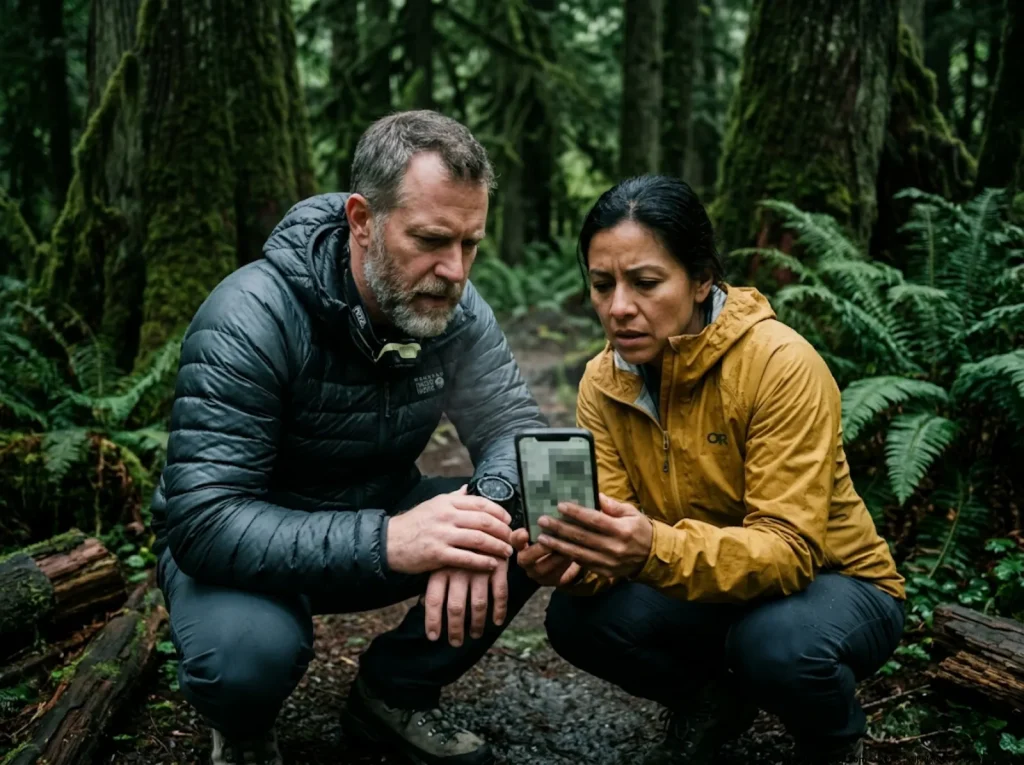
Your choice of offline maps hinges on how the application handles data. You face a hard trade-off between detail scaling and device computational load.
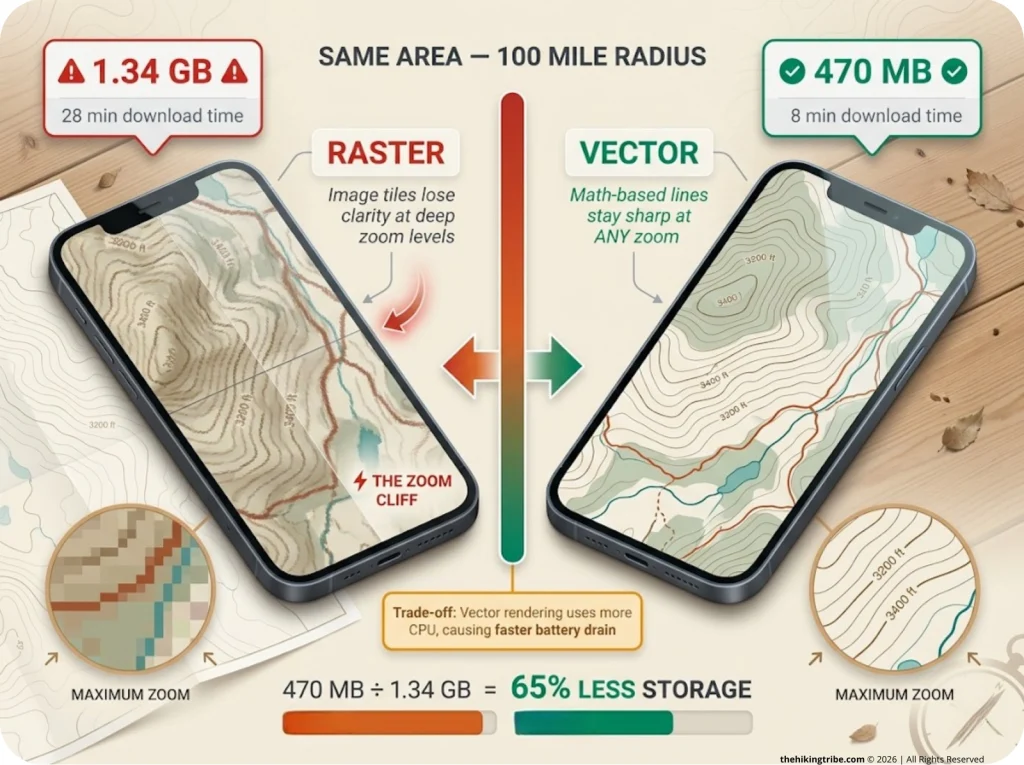
Raster maps use heavy image tiles (PNG or JPG). Downloading Washington State via older applications can consume 1.34 GB and 28 minutes of Wi-Fi time. Vector maps use scalable lines and shapes. They are endlessly scalable, packing the same geographic area into just 470 MB. Vector maps reduce device storage load immensely.
However, Vector data forces your smartphone to act as a real-time rendering GPU, converting math into visuals. This compute load, driven by 3d terrain rendering or slope angle shading, creates hidden heat and fast battery depletion.
Raster Tiles and The “Zoom Cliff” Hazard
Image-based maps require downloading specific zoom layers linearly. If you wander slightly outside your cached zone, you hit the Zoom Cliff. You lose all contour intervals instantly, and the map becomes an unreadable, pixelated blur just when you need technical details the most.
Pro tip: Always download one bounding box larger than your intended route to accommodate emergency bailouts. You never know when a washed-out bridge will force a long detour into unloaded grid quadrants.
Vector Economics: Storage vs. Compute Load
Vector maps solve the storage management crisis by dropping the megabyte-per-square-mile cost dramatically. This makes importing complex GPX track data simple because the base files leave enough room on your hard drive.
Real-time high-detail rendering of mathematical points stresses the CPU. This makes older smartphones dangerously hot and battery-hungry when panning quickly. You trade storage space for processor effort.
Disable 3D tilt and advanced shading layers in your vector app to save up to 15% battery over a 10-hour hike. Turn those graphic-heavy layers on only when actively assessing avalanche terrain.
Offline Caching Protocols for Remote Regions
Never assume a downloaded area has fully cached until tested. Partial downloads caused by shifting from Wi-Fi to cellular data mid-download result in corrupted map layers in the field.
Force-close the app, enter Airplane Mode, and zoom heavily into your cached area before leaving the trailhead. Verify that the fine structural lines resolve perfectly at maximum zoom.
The Field Torture Test: 5 Apps Evaluated
We took the most popular platforms—CalTopo, Gaia GPS, OnX Backcountry, AllTrails+, and FarOut—into deep unreliable signal environments to expose their failure points.
Base maps vary wildly in topographic accuracy. The National Park Service explicitly notes the unreliability of commercial base maps, documenting cases where apps depict roads and trails that do not exist or are dangerously incorrect. You must select an app that pulls from verified databases like the USGS or authoritative OpenStreetMap (OSM) sources.
CalTopo: SAR Precision vs. Intuitive UI
Originating as a desktop tool for Search and Rescue professionals, CalTopo excels in elevation accuracy, testing within 1,300 feet of reality on a 31-mile route.
Its UI complexity is its weakness. Adjusting layer opacities requires typing percentages instead of using sliders. This is a severe handicap for cold, gloved hands pushing through a blizzard. Use CalTopo primarily as your desktop planning tool, syncing its highly accurate routes to your phone before you lose grid access.
Gaia GPS: Legacy Layers vs. Transition Glitches
Gaia GPS boasts incredible map layer variety, including the famed National Geographic Trails Illustrated overlays. It provides excellent geological data.
Unfortunately, it suffers from transition issues under new ownership. The Black Screen Glitch occurs when offline maps fail to render despite successful caching. This is often accompanied by rogue offline login prompts. Never log out of the Gaia app before a trip. You cannot re-authenticate without a cellular handshake, locking you completely out of your downloaded layers.
The Traps of AllTrails and FarOut
AllTrails+ prioritizes discovery over technical navigation. Its GPS tracking is power-hungry; recording in the background depletes your battery drastically—up to 15% per hour. The heavy reliance on crowdsourced intelligence creates dangerous “social bias” scenarios where users blindly follow inaccurate ghost trails.
FarOut dominates thru-hiking corridors like the Pacific Crest Trail. It is brilliant on-trail but leaves hikers paralyzed with skill atrophy when forced off the red line during a detour. It lacks functional topographic context once you step one mile away from the main path. If using AllTrails for discovery, always export the GPX handling track to a technically superior mapping platform for the actual field work.
The Horizontal vs. Vertical Accuracy Fallacy

GNSS geometry calculates horizontal positions with decent precision. But calculating the vertical Z-axis requires a complex 3D fix from four or more satellites.
Your smartphone lacks the hardware to nail vertical gain accurately on its own. It suffers from heavy limitations in calculating vertical gain.
To counter this vertical GPS bounce, elite apps use Digital Elevation Models (DEM). Digital Elevation Models calculate interpolated altitude entirely from pre-loaded topographic databases instead of relying purely on incoming satellite math. This is vital for High precision location estimation in mountainous areas.
Why Your Phone Always Overestimates Ascent
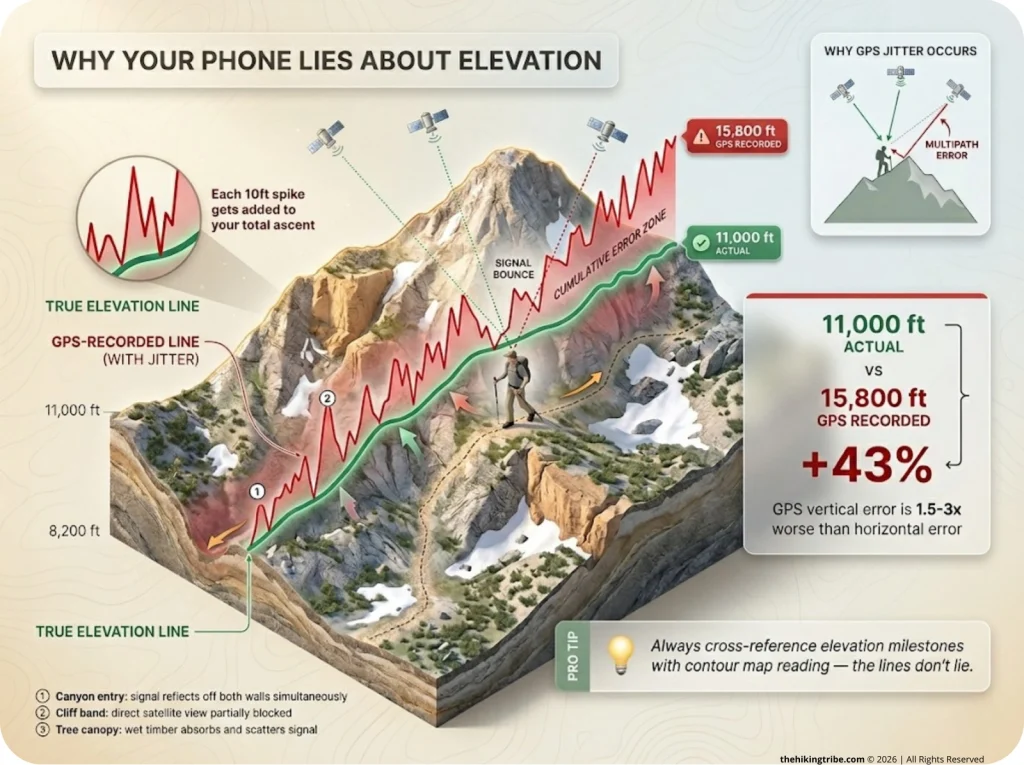
GPS vertical error is naturally 1.5 to 3 times worse than horizontal error. Without aggressive software smoothing, every minor 10-foot spike caused by signal bounce gets added cumulatively to your trip’s total ascent.
Field testing proves this jitter can artificially inflate total trip elevation gain by up to 43%. Never pace your macro-expedition climbing goals strictly off a smartphone’s live elevation tracker.
Digital Elevation Models (DEM) Demystified
DEM allows an app to take your horizontal coordinate and simply look up the established altitude for that exact pixel from a database.
Calculating elevation this way relies entirely on the horizontal fix. If the app thinks you are 30 feet to the right on a sheer cliff face due to poor horizontal accuracy, your altitude will dynamically spike up and down. Caltopo’s integration of high-resolution DEM makes its post-trip elevation profiles significantly more reliable than live smartphone tracking.
The Pacing Hazards of Phantom Elevation
False elevation data corrupts critical time-distance calculations like Naismith’s Rule. Thinking you have climbed 15,000 feet when you have only finished 11,000 causes severe miscalculated fueling strategies, exhaustion panic, and poor decision-making at high altitudes.
Verify significant altitude milestones using traditional contour reading on a terrain map rather than trusting the digital readout on your screen blindly. Look at the lines on the map—they don’t lie.
The SAR “Fail-Safe” Protocol: Managing Digital Fragility
The primary danger in modern navigation is the psychological “Blue Dot” security blanket. It leads hikers into technical terrain they cannot navigate out of authentically. When the screen shatters or the motherboard bricks from moisture, physical redundancy is your only lifeline.
Professional Search and Rescue teams rely on strict protocols heavily focused on battery usage optimization and physical backups. Airplane mode minimizes battery drain and keeps your digital tool alive.
Airplane Mode and Signal Management
Your phone screaming for a tower connection is the number one drain of backcountry battery life. True Airplane Mode shuts off the cellular modem but continues allowing the GPS receiver chip to passively read incoming satellite broadcasts perfectly fine.
Pro tip: Turn off Bluetooth and Wi-Fi manually from the core settings menu. Modern quick-swipe Airplane Mode toggles sometimes leave these radios active in sleep states searching for connections.
Battery Preservation and Thermal Regulation
Cold batteries equal dead batteries, regardless of actual charge capacity. The 100% Rule is absolute: you must touch the dirt at the trailhead with a fully charged battery, relying on a minimum 10,000mAh external power bank.
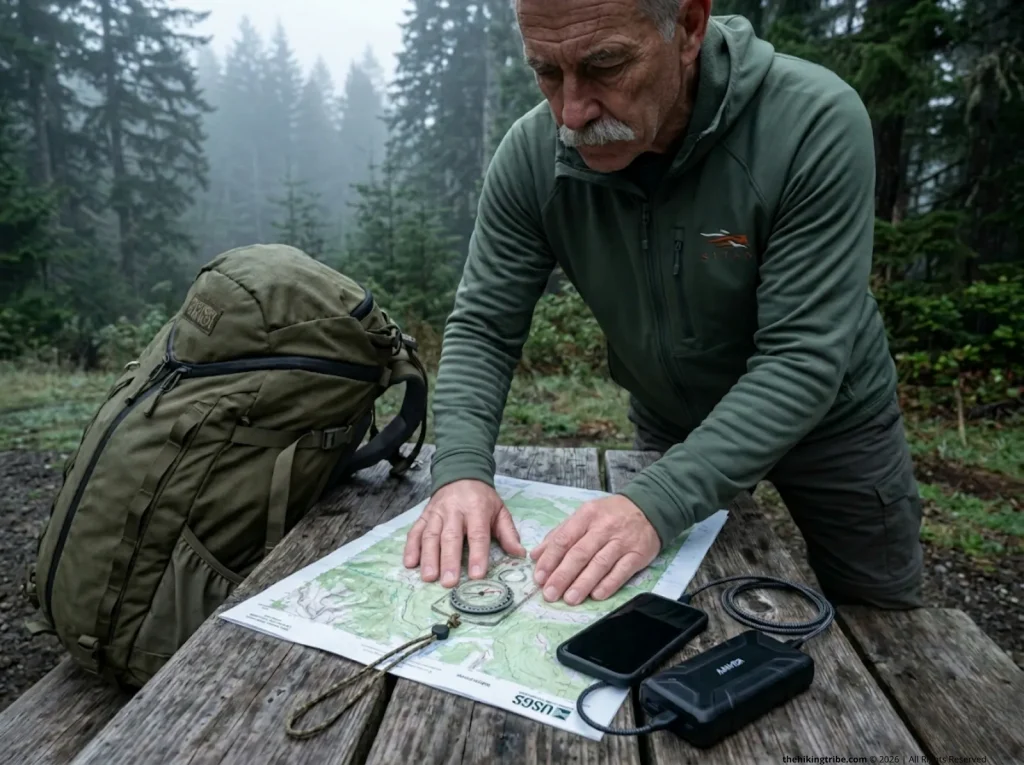
Run a high-quality braided cable straight from a chest-pocket power bank to your phone. This maintains an active charge ceiling while moving and prevents the phone from dipping into the dangerous cold voltage drop zones.
The Unbreakable Analog Anchor
True fail-safe systems rely on non-digital, non-mechanical redundancies. All digital systems will eventually fail. Topographic reading and magnetic azimuth navigation are immune to EMPs, extreme cold weather, and firmware bugs.
You must carry an analog anchor utilizing a physical paper map and compass. Keep a waterproofed USGS 7.5-minute quadrangle map covering your entire potential bailout zone securely stored in your pack. Do not rely entirely on the screen.
Conclusion
Our reliance on smartphone cartography has revolutionized how we travel the backcountry, but it demands serious technical humility. Remember these three absolutes:
- Treat vector maps as a battery liability and disable 3D rendering to save CPU load.
- Never pace your steep ascents using your phone’s live climbing data.
- Keep your phone warm against your core, and anchor your safety on paper cartography.
Optimize your offline route planning today, cache your layers over strong Wi-Fi, and pack a dedicated compass on your next summit push. The wilderness does not care about your app subscription tier.
FAQ
Do offline maps work on a cell phone with no service?
Yes. Smartphone GPS chips operate independently of cellular networks and can plot your position on pre-downloaded offline maps. However, acquiring an initial location (Time to First Fix) will take significantly longer without cell tower assistance, and the map data must be cached completely beforehand.
Which map app is best for finding off-trail routes?
CalTopo is the undisputed leader for off-trail navigation. Its slope-angle shading and high-resolution Digital Elevation Models provide the precise technical data necessary for safe scrambling or bushwhacking.
Why does my phone battery die so fast when using offline navigation?
Generating Vector maps and attempting to acquire a GPS signal in deep canyons spike CPU usage. If you do not activate Airplane Mode, the phone will additionally burn massive amounts of power searching for non-existent cell service.
Is it better to use a dedicated GPS unit or a smartphone?
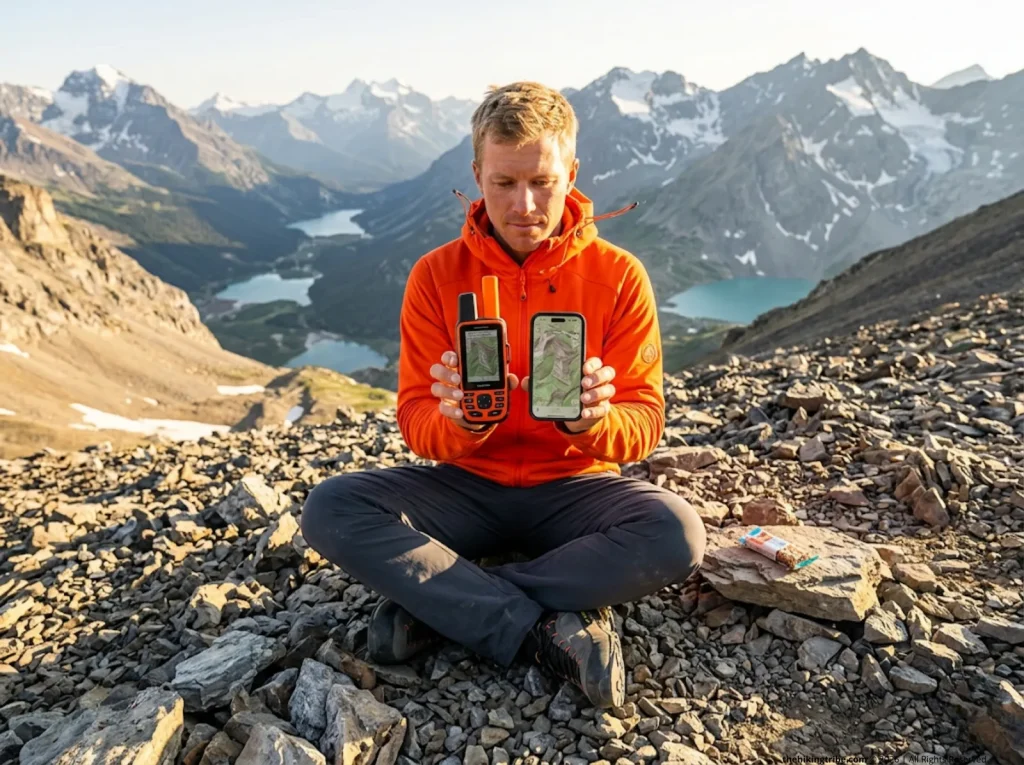
Dedicated units like a Garmin inReach provide superior signal retention, multipath filtering, and extreme-weather durability. Smartphones provide vastly superior screen resolution and map-layer variety, but require strict battery and thermal management to prevent sudden shut-offs.
Risk Disclaimer: Hiking, trekking, backpacking, and all related outdoor activities involve inherent
risks which may result in serious injury, illness, or death. The information provided on The Hiking Tribe is for
educational and informational purposes only. While we strive for accuracy, information on trails, gear, techniques,
and safety is not a substitute for your own best judgment and thorough preparation. Trail conditions, weather, and
other environmental factors change rapidly and may differ from what is described on this site. Always check with
official sources like park services for the most current alerts and conditions. Never undertake a hike beyond your
abilities and always be prepared for the unexpected. By using this website, you agree that you are solely
responsible for your own safety. Any reliance you place on our content is strictly at your own risk, and you assume
all liability for your actions and decisions in the outdoors. The Hiking Tribe and its authors will not be held
liable for any injury, damage, or loss sustained in connection with the use of the information herein.
Affiliate Disclosure: We are a participant in the Amazon Services LLC Associates Program, an
affiliate advertising program designed to provide a means for us to earn advertising fees by advertising and linking
to Amazon.com. As an Amazon Associate, we earn from qualifying purchases. We are also an official affiliate partner
of Black Diamond Equipment via the AvantLink network. If you click on a Black Diamond affiliate link and make a
purchase, we may earn a commission at no additional cost to you. We also participate in other affiliate programs and
may receive a commission on products purchased through our links. Additional terms are found in the terms of
service.