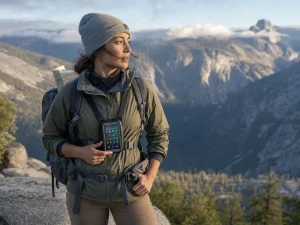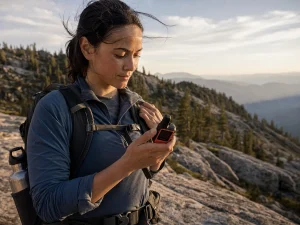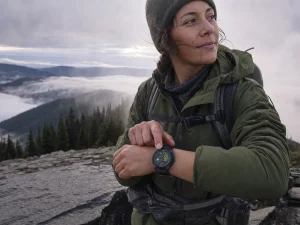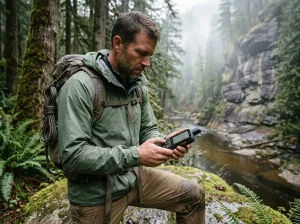











You strap on a GPS watch, walk into the backcountry, and quietly assume that if things go sideways the thing on your wrist can call for help. For six of the eight watches in this roundup, that assumption is flat wrong. Most hiking GPS watches track your position beautifully and cannot send a single distress message the moment you lose cell signal. This guide sorts the eight best watches by what they actually do in the field, from battery life that survives a cold thru-hike to the two models that can genuinely reach a rescue team. Here is how they stack up on what matters most once you are off the grid.
| Watch | Best For | Standout Strength | Satellite SOS |
|---|---|---|---|
| Garmin Fenix 8 | Best Overall | Balanced mapping, durability, battery | No |
| Garmin Enduro 3 | Expedition Battery | Longest battery in the lineup | No |
| Apple Watch Ultra 3 | Apple Users | Native SOS plus iPhone integration | Yes |
| Garmin fenix 8 Pro | Real SOS (Garmin) | Built-in inReach messaging | Yes |
| Garmin Instinct 3 Solar | Best Value | Solar charging, rugged build | No |
| Coros Pace 4 | Best Budget | Cheapest real dual-frequency GPS | No |
| Coros Apex 2 Pro | Beginners | Simple maps without the price | No |
| Suunto Core | No-GPS Budget | ABC sensors, pairs with your phone | No |
The Best GPS Hiking Watches for Serious Backcountry Use
These are the watches serious thru-hikers and safety-minded backcountry travelers tend to land on, usually after a cheaper watch left them wanting more mapping, more battery, or an actual way to signal for help. Worth naming the trap up front: plenty of hikers buy at this tier for trips that never justify it. If your weekends are day hikes on marked trail, skip ahead to the budget picks and keep your money. If you range far, move fast, and get into terrain where a dead battery is a real problem, this is your shortlist.
Best Overall: Garmin Fenix 8
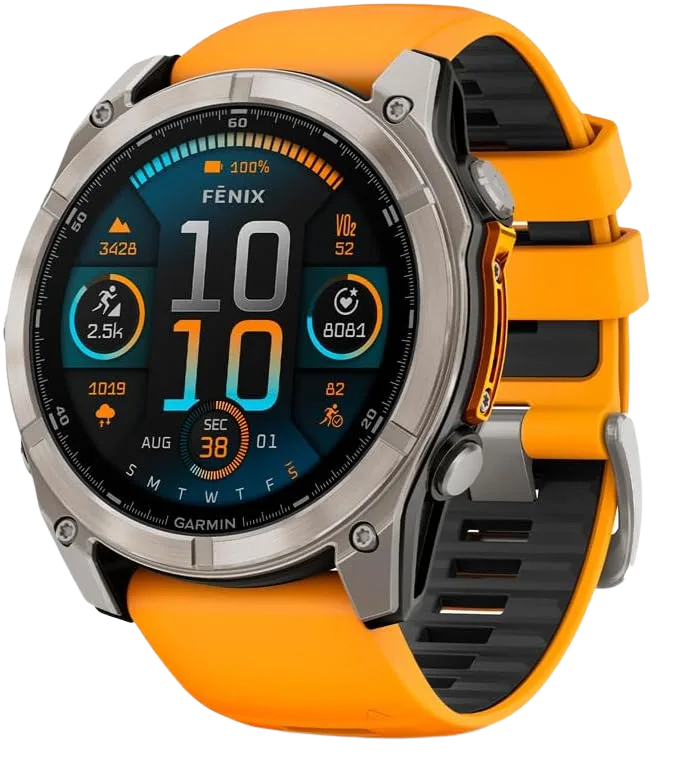
Buy the Fenix 8 when you want one watch that handles everything and you would rather not think about it again for years. The bright AMOLED screen makes on-wrist topo maps genuinely readable in daylight, the sapphire lens shrugs off the rock scrapes that scratch cheaper glass, and the dual-frequency GPS holds a clean track in the terrain that wrecks single-frequency watches. The one thing it does not do is call for help, which matters more than the spec sheet lets on. If off-grid emergency messaging is on your list, look at the Garmin Fenix 8 Pro further down instead.
Best Battery Life: Garmin Enduro 3
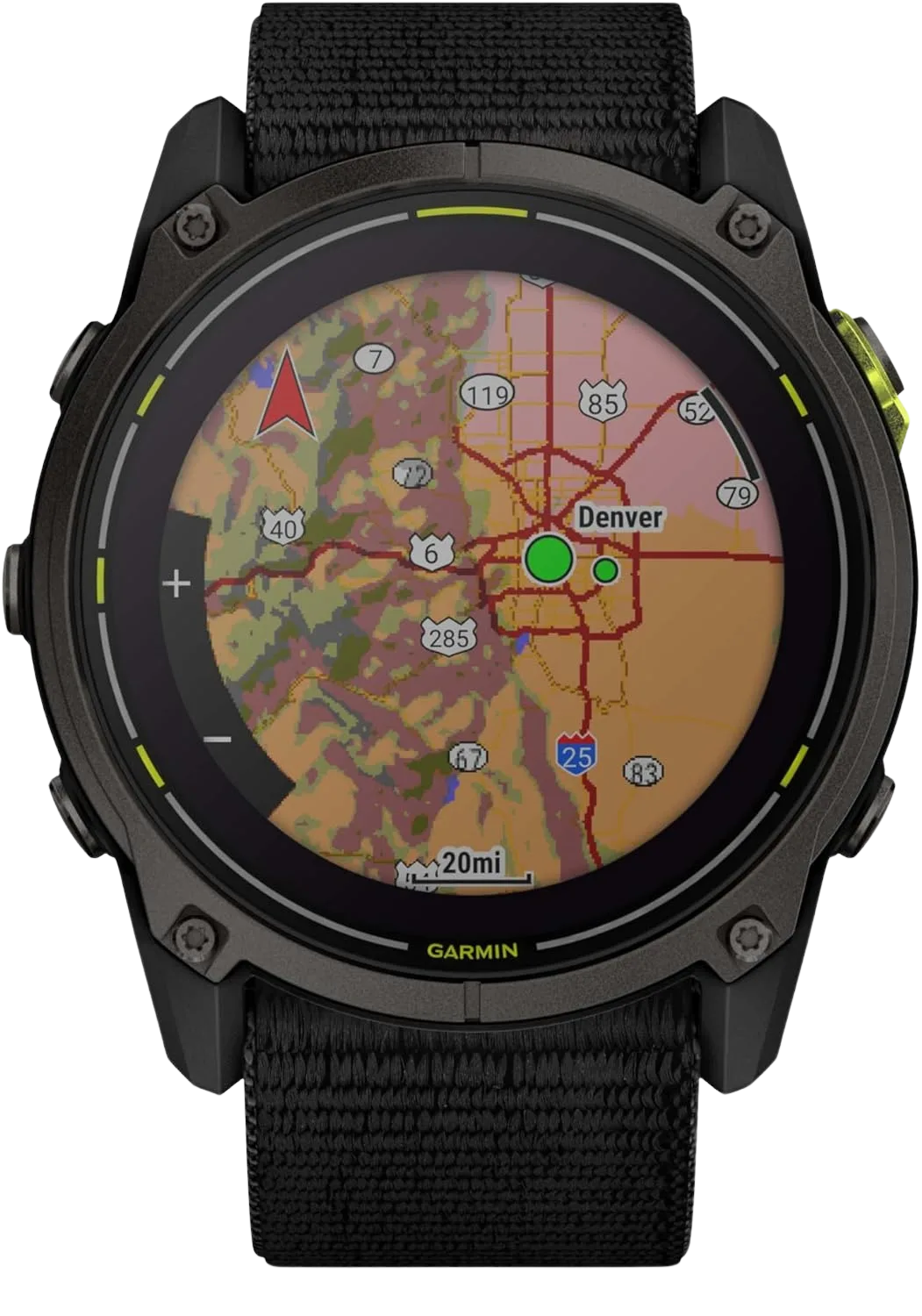
The Enduro 3 exists for one reason, and it delivers on it. In daily-use smartwatch mode that 46-day rating covers roughly a three-week trail segment without a top-up. Run it in full all-satellite GPS tracking the whole time and you are back down to around 24 hours, so an expedition style trip still wants a small power bank or a solar window. For most hikers this is more battery than they will ever use, which is exactly why it is overkill for weekend trips and perfect for the people who actually go long. Note the same gap as the Fenix 8: no onboard satellite messaging.
Best For Apple: Apple Watch Ultra 3
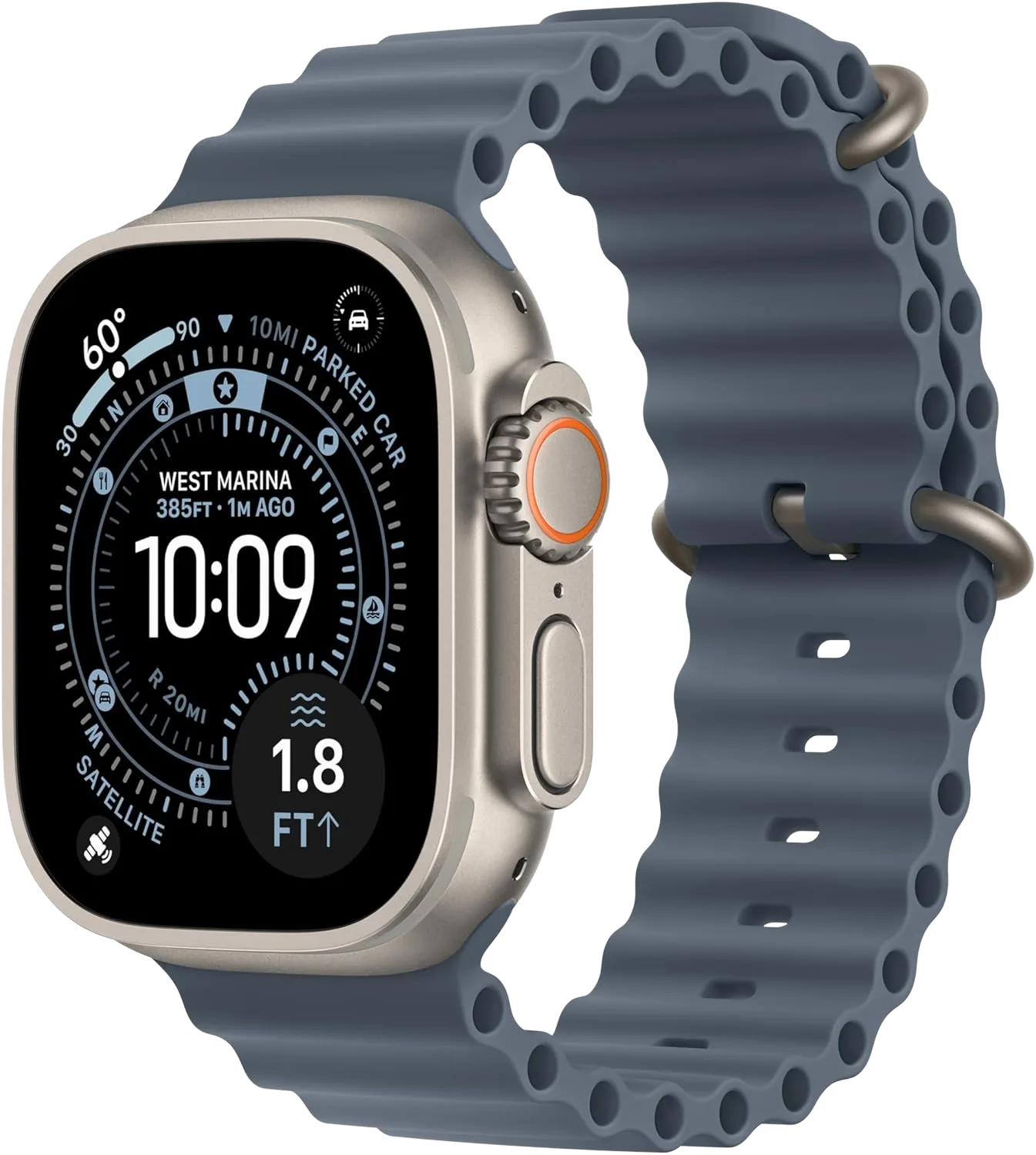
The honest catch with the Ultra 3 is battery. Against a Garmin that runs for weeks, an Apple Watch measures its hiking life in a day or two, and on a long tracked day you will be thinking about a charge by evening. What you get in return is the satellite SOS that only two watches in this entire lineup carry, plus notifications, apps, and Apple Maps that just work if your phone is already an iPhone. For a dedicated multi-day hiker the battery is a dealbreaker. For the iPhone owner who hikes on weekends and wants a safety net, it is a strong, genuinely useful pick.
Best Satellite SOS: Garmin fēnix 8 Pro
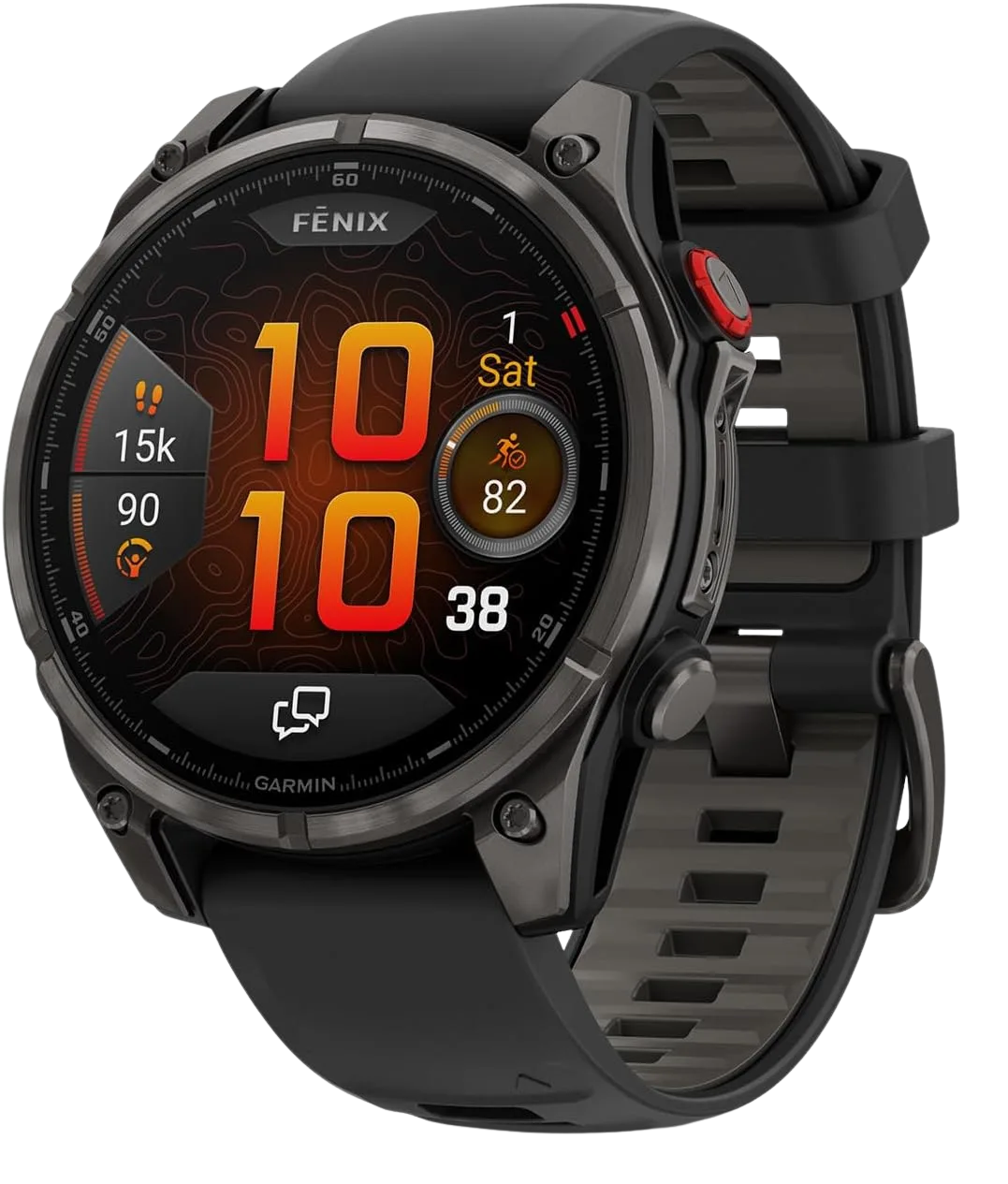
If you want Garmin’s trail chops and a way to reach help from a place with no cell signal, this is the watch. The inReach hardware means you can send a two-way text or trigger an SOS to a rescue coordination center straight from your wrist, the same network that powers Garmin’s standalone messengers. Two honest caveats. The messaging side needs a paid inReach plan, a recurring cost the box does not advertise, and this is the priciest watch in the roundup. For a soloist heading deep into terrain where a rolled ankle turns serious, that combination is hard to argue with.
The Best Budget and Beginner GPS Hiking Watches
Most first-time buyers overspend on their first GPS watch, then use maybe a third of what they paid for. This is the honest entry point. Every watch here does the core job of a hiking watch, tracking your route, holding a position, and getting you back to the trailhead, without the expedition-tier price. One of them does not even have GPS, and for a lot of casual hikers that is the smart money.
Best Value: Garmin Instinct 3 Solar
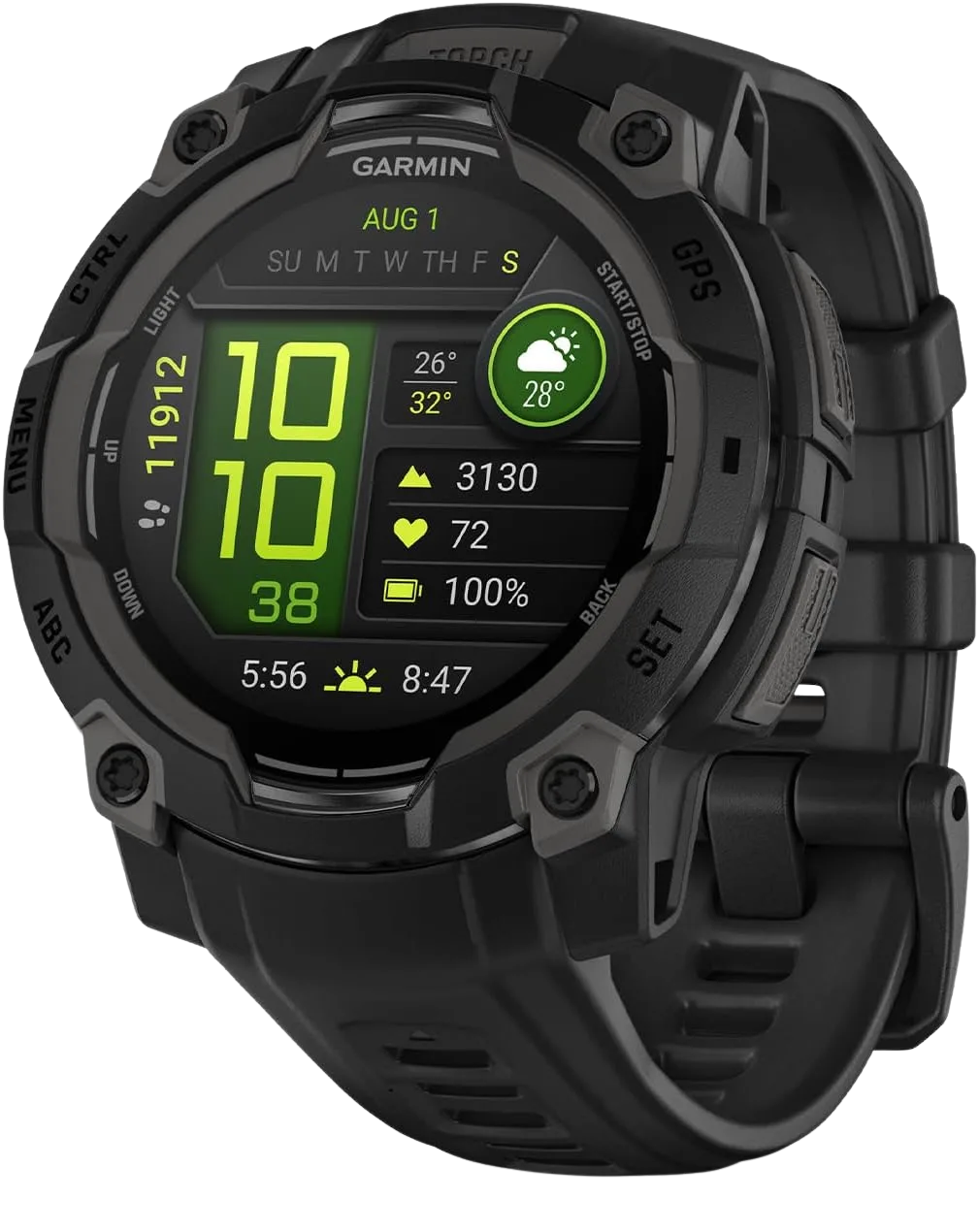
If someone asked for one watch that covers 90 percent of real hiking without the flagship price, this is the answer. The solar charging quietly stretches an already long battery, so on summer trips with decent sun exposure you can nearly forget the charger exists. The trade you are making is screen and mapping: the memory-in-pixel display is easy to read in bright sun but plain next to the Fenix, and on-wrist maps are basic. For the hiker who mostly wants a reliable track, elevation, and a watch that survives abuse, none of that matters.
Best Budget: Coros Pace 4
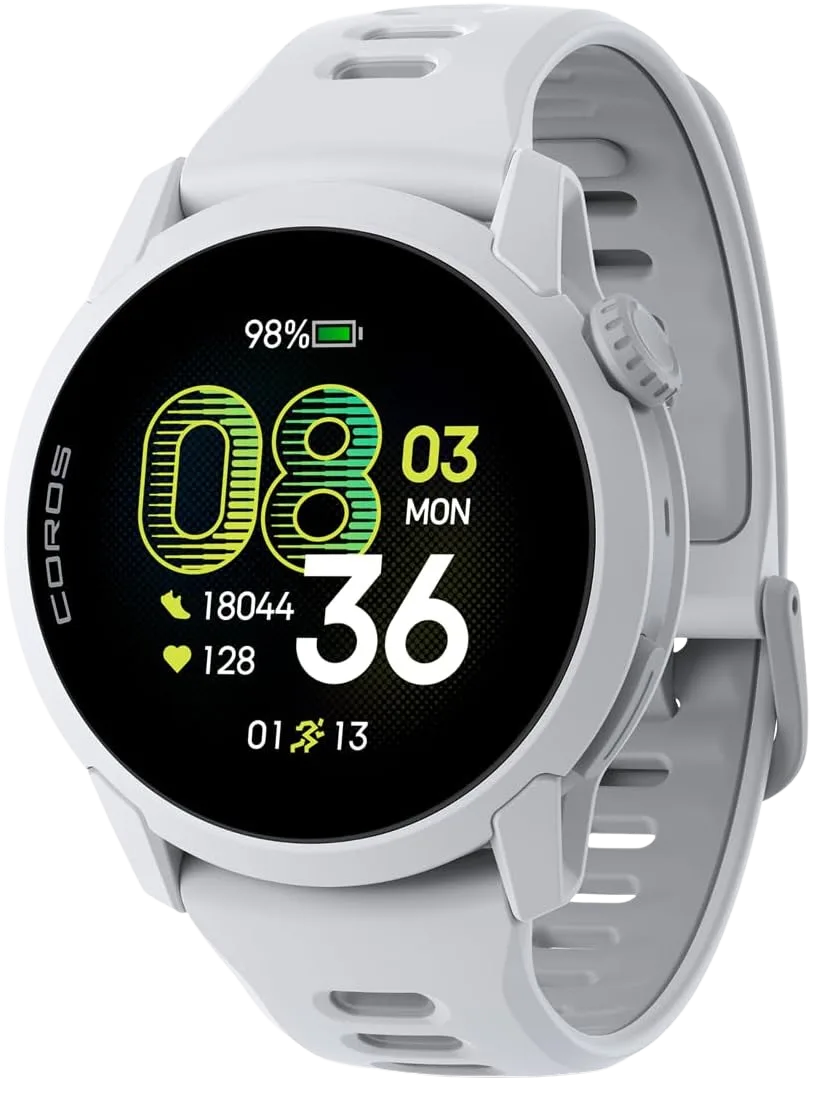
The Pace 4 punches well above its price because Coros put the money where it counts for hikers. You get the same dual-frequency positioning that keeps the expensive watches honest under canopy, wrapped in a light, comfortable case that disappears on your wrist. What you give up is the premium feel, the deep map detail, and some of the metal-and-sapphire durability of the flagships. For a new hiker who wants an accurate track without gambling a big budget on a hobby they are still testing, it is the smartest low-cost pick in the group.
Best For Beginners: Coros Apex 2 Pro
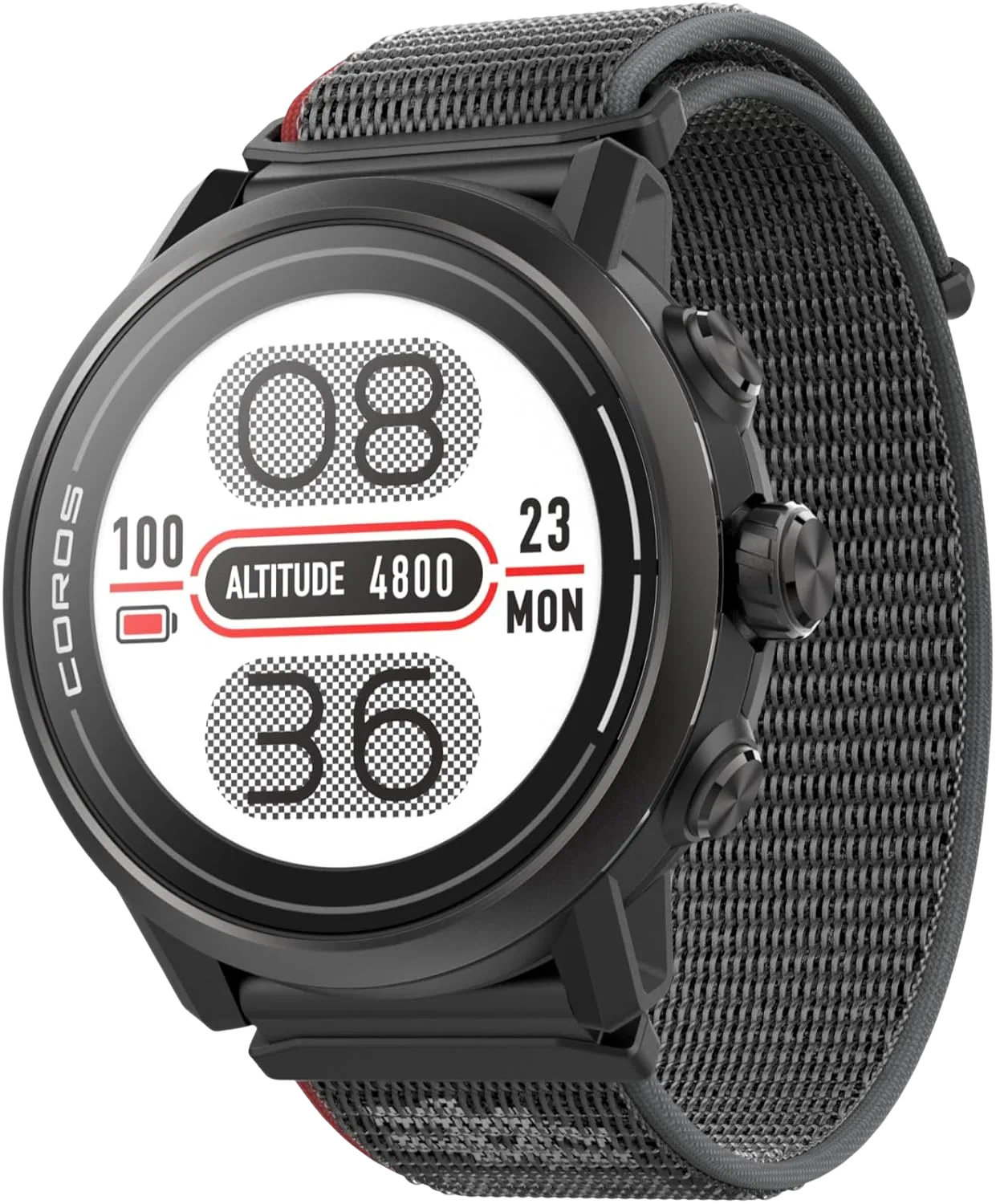
The Apex 2 Pro is the watch to hand someone who is ready to leave the fitness-band world but is not ready for a Fenix. It sits a clear step below the Vertix and Fenix tier in both complexity and cost while keeping the two features that actually matter on trail: accurate positioning and maps you can follow. The sapphire glass is a nice touch at this level, and the interface stays out of your way. If you are buying your first real hiking watch and want room to grow into it, start here.
Best Budget Non-GPS Alternative: Suunto Core
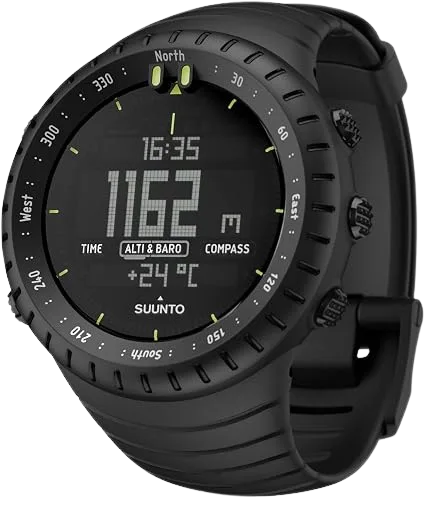
Here is the pick nobody selling watches wants to mention. If you already carry a smartphone with a free offline map app, a lot of the on-trail routing job is already covered, and a full GPS watch is paying for battery drain and precision you will rarely use. The Suunto Core adds the altimeter, barometer, and compass a phone handles poorly, gives you a storm-warning trend from the barometer, and does it for a fraction of the price. For the casual day hiker, this plus a phone is often the genuinely smart setup, not a compromise.
Why GPS Hiking Watches Drift in Canyons and Under Tree Canopy
You finish a hike, open the recorded track on your phone, and there you are, apparently walking straight through a cliff face or zig-zagging across a river you never crossed. That is not a broken watch. It is a multipath error, and understanding it is the difference between blaming your gear and knowing which gear to buy. Poor GPS accuracy under canopy is the single most common real-world failure mode for a hiking watch, and almost nobody explains why it happens.
How Single-Frequency GPS Fails in Canyons and Dense Forest
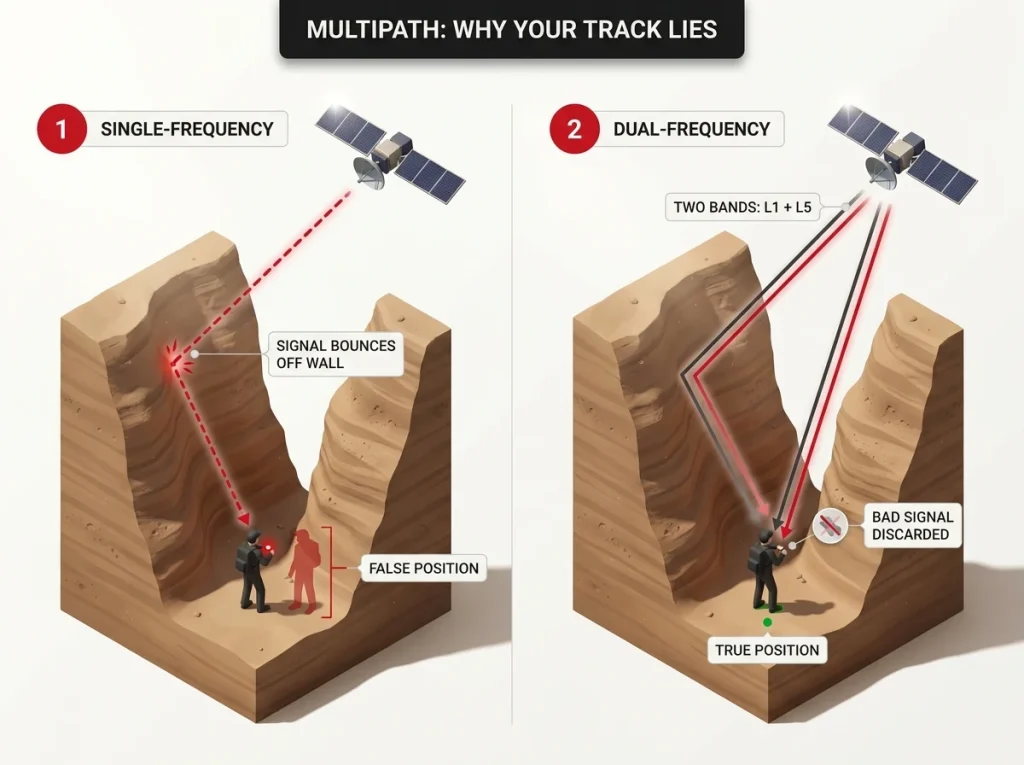
A GPS watch figures out where you are by timing signals from satellites. In the open, those signals arrive in a straight line and the math is clean. Under a thick conifer canopy or between steep canyon walls, the signal bounces off rock and branches before it reaches your wrist, arriving a fraction late. The watch cannot tell a bounced signal from a direct one, so it trusts the bad timing and plots you tens of feet off your real position. Hikers borrowed the term for it from city GPS: the canyon effect, where a narrow slot of visible sky wrecks accuracy.
This is why testing terrain matters when you read reviews. Reviewers at OutdoorGearLab deliberately test in Utah slot canyons with barely any open sky, the harshest real-world condition there is, while others test separately in dense woods. Those are not the same test, and a watch can pass one and stumble on the other.
What Multi-Band / Dual-Frequency GPS Actually Fixes
Here is the part the spec sheets skip. Multi-band or dual-frequency GNSS receives each satellite on two separate frequencies at once, the older L1 band and the newer L5 band. When a signal on one frequency arrives corrupted by a bounce, the chipset compares it against the second frequency and throws the bad one out, keeping the clean line-of-sight reading. A single-frequency watch has no second signal to check against, so it never catches the error. If you want the underlying signal science from the source, this is exactly what the official U.S. government explainer on how dual-frequency civil GPS signals work describes.
That one feature is most of what separates a track that hugs the trail from one that wanders through solid rock. It is also the reason the same GPS chip debate shows up again in the physics behind why hikers misread their own GPS track.
Which Watches in This Roundup Have It (and Which Don’t)
The good news is that multi-band is now standard across the serious picks here. The Fenix 8, Enduro 3, both Coros models, the Apple Watch Ultra 3, and the fēnix 8 Pro all support dual-frequency positioning. The Suunto Core sits outside this conversation because it has no GPS at all. The catch is that some watches default to a single-frequency or low-power mode to save battery, so the feature can be switched off without you knowing.
Check your GPS mode before a canyon or dense-forest hike, not after. Plenty of watches ship set to a battery-saving single-frequency mode, and hikers blame the watch for a bad track when the fix was one setting away. Switch to the multi-band or dual-frequency option for the days you actually need it, and drop back to save battery on open terrain.
Battery Life Ratings vs. What You Actually Get in Cold Weather
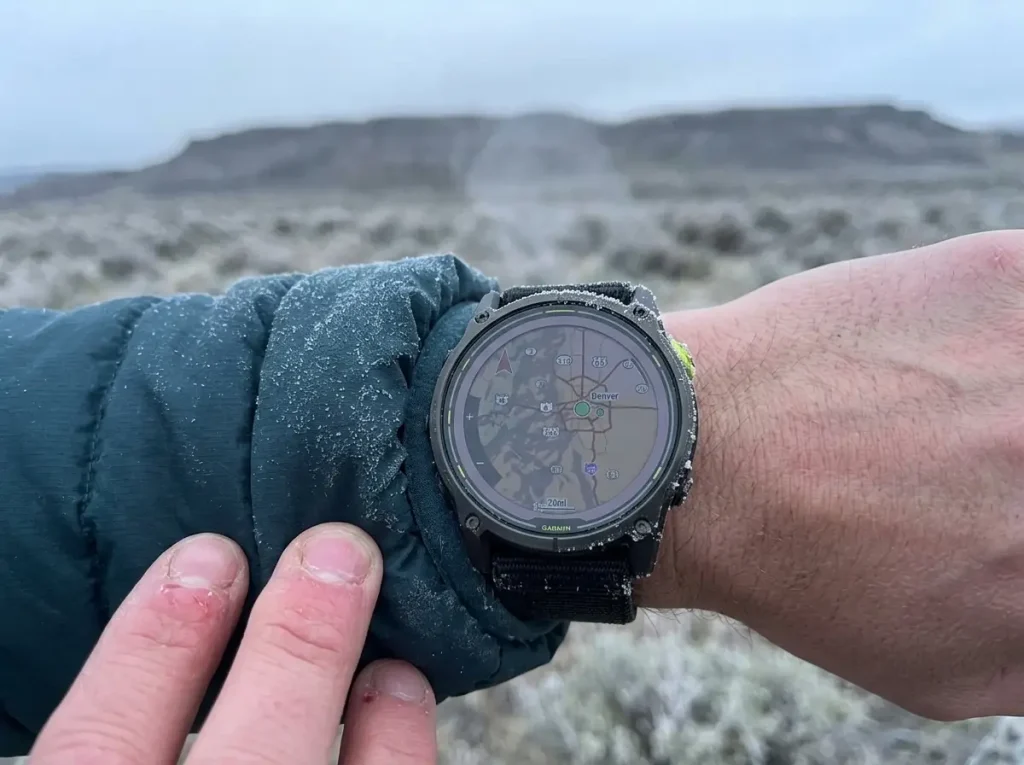
Every watch here ships with a battery number that was measured in comfortable conditions. Then you take it out in the cold, and the number lies to you. One hiker’s expedition watch cruises through six untouched days on trail while a friend’s budget band dies by lunch on day two, and the gap is not just the spec sheet, it is the temperature. This is the part of battery life almost nobody quantifies.
Manufacturer Battery Ratings by Mode (Smartwatch / GPS / UltraTrac)
The first thing to understand is that a single watch has several very different battery numbers depending on what it is doing. The Enduro 3 rating of up to 46 days is smartwatch mode, where GPS is mostly off. Turn on continuous all-satellite tracking and that same watch drops to around 24 hours, per Garmin’s own Enduro 3 battery specifications. The Coros Vertix 2S tells the same story from the other side, rated near 40 days in regular use but about 118 hours, roughly five days, of nonstop full-GPS recording. When a review quotes one big number, always ask which mode it means.
The Real Cold-Weather Battery Hit: Budget 20 to 40 Percent Below the Spec Sheet
Cold does not politely lower your battery a little. Lithium batteries lose usable capacity as the chemistry slows down in low temperatures, so a watch reading 60 percent at a frosty trailhead may have closer to 40 percent of real usable charge. A workable field rule of thumb is to budget a 20 to 40 percent hit to smartwatch-mode battery life at or below freezing, and to expect it to worsen further below roughly 14°F. Treeline Review’s Alaska cold test is one of the few that stress this in the field, where the Suunto Vertical held up better than its rivals, though no brand publishes a clean percentage. Plan your charging around the real cold number, not the box number, and you will not get caught.
Pro Tips to Stretch Battery on Multi-Day Cold-Weather Trips
The single biggest lever is your recording mode. Most watches have a low-power tracking option, Garmin calls it UltraTrac, that records your position less often in exchange for dramatically longer battery. You trade a slightly less smooth track line for days of extra runtime, which is a good deal on a long trip. Dropping the always-on display and dimming the screen buys back more. There is a full breakdown of the settings that matter in our guide to how to record a GPS track all day without killing your battery.
On cold trips, sleep with the watch inside your jacket or bag, not strapped to your wrist over the quilt. Keeping the battery warm overnight preserves far more usable charge than any setting change, and a watch that spent the night near freezing can read deceptively low until it warms back up in the morning.
Offline Topographic Mapping: What Actually Matters
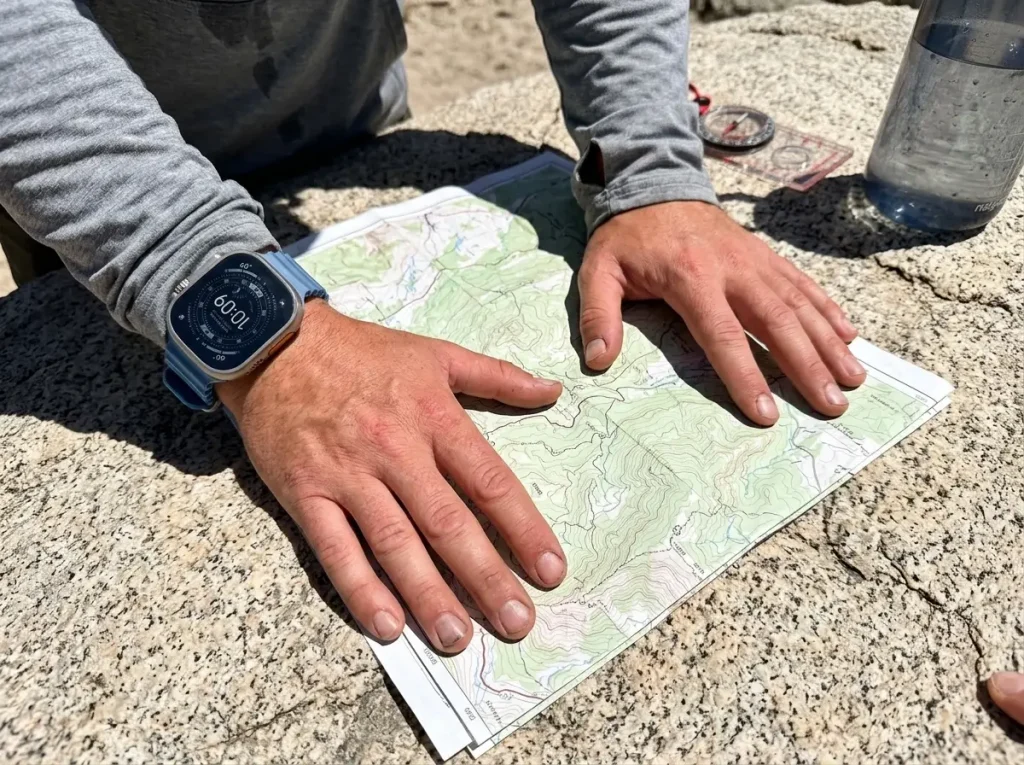
There is a real difference between a watch that shows a trail line curving across a shaded relief map and one that shows a lonely dot crawling across a blank grid. Both get called GPS watches. Only one actually helps you navigate when the trail forks and the signage is gone. Knowing what to look for here saves you from paying for a mapping feature that turns out to be a marketing checkbox.
Preloaded Topo Maps vs. Downloadable Regions
The first question is whether real topographic maps live on the watch at all. Flagship watches like the Fenix 8 come with detailed topo maps preloaded, so you get contour lines and terrain shading straight out of the box. Mid-tier watches often make you download map regions for your trip beforehand, which is fine as long as you remember to do it before you lose signal. Budget GPS watches may only show a breadcrumb line, your recorded path, with no underlying map to place it on. If you want to understand what those contour lines and shading actually represent, our full topographic map guide for hikers walks through reading them.
Route Planning and GPX File Support
A map you can read is half the job. Getting a planned route onto the watch is the other half. Most serious watches accept a GPX file, the standard format for routes and tracks, so you can plan a trip on your computer and push the line to your wrist to follow turn by turn. Loading named waypoints this way, real waypoint navigation, is what lets you hit a water source or a junction you have never seen without guessing. This is where a watch stops being a tracker and starts being a navigator. If you have never built one, here is how to create your own GPX file to load before a trip.
Screen Size and Readability on Trail
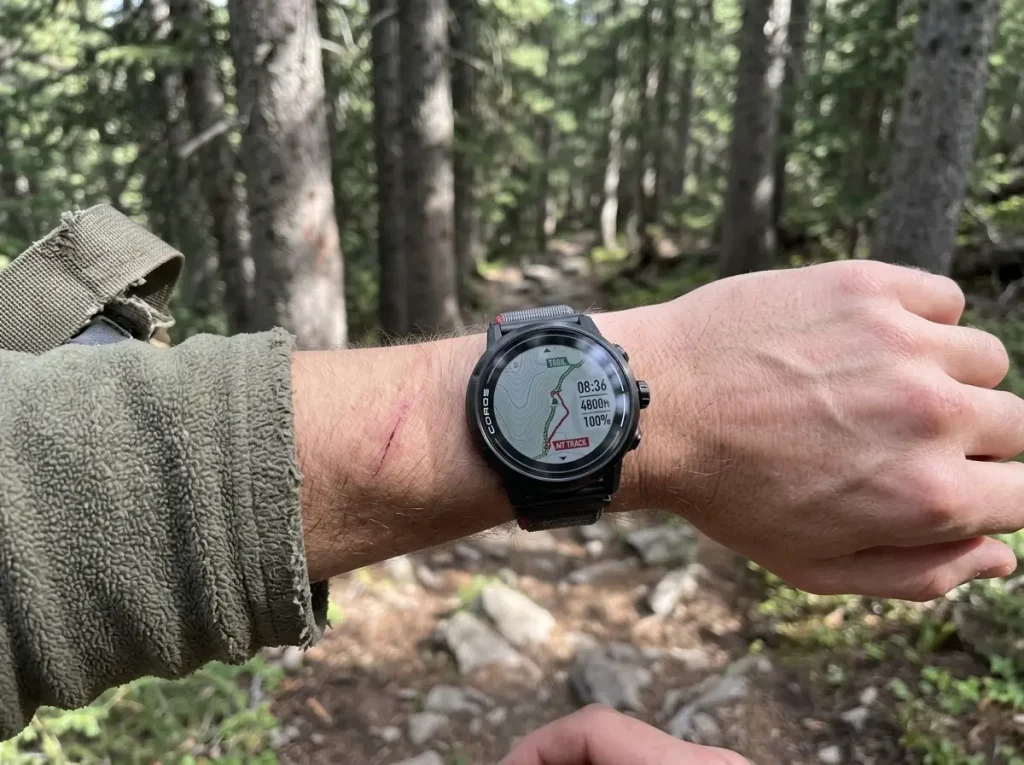
None of this matters if you cannot read the screen in the field. A bright AMOLED display like the Fenix 8 makes a dense topo map genuinely usable in direct sun, while a smaller memory-in-pixel screen shows less detail but sips battery and stays readable in harsh light. Bigger is not automatically better either, since a large case that catches on brush or feels heavy on a thin wrist stops getting worn. Match the screen to how you actually navigate, glancing for confirmation versus reading a full map.
Altimeter, Compass, and Water Resistance: The ABC Basics
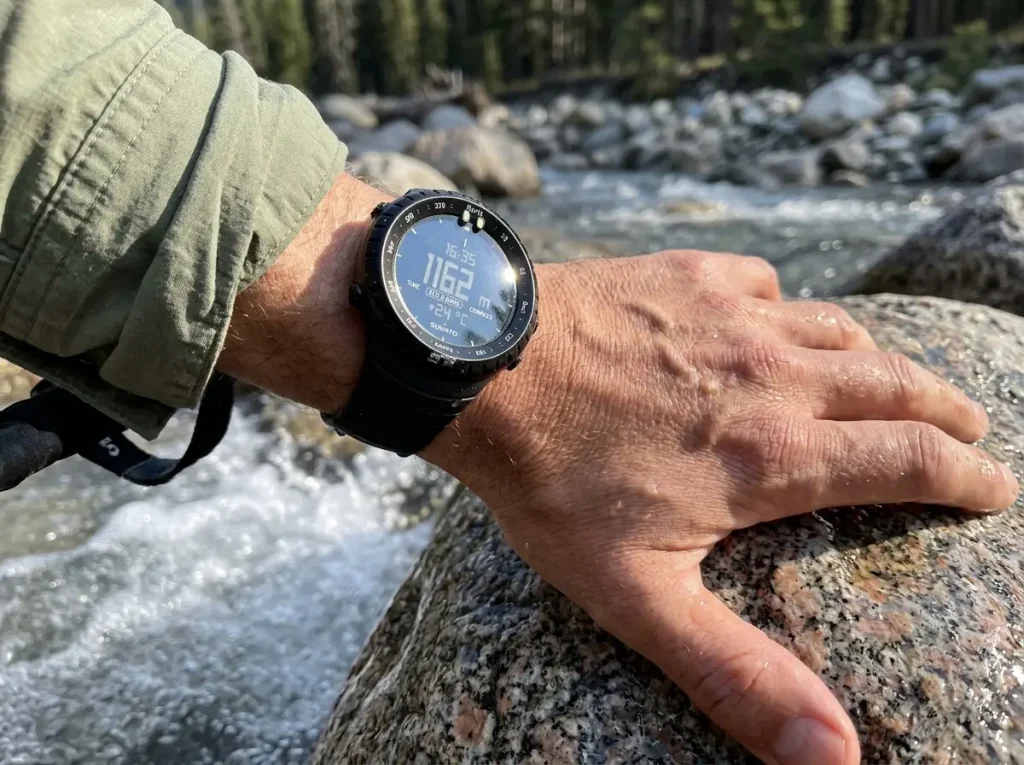
Strip away the GPS and every hiking watch still leans on a trio of sensors that predate satellites: the altimeter, barometer, and compass, the ABC set. These are the features that keep working when the battery is low or the sky is blocked, and they are the ones hikers most often misuse. A little care here makes the difference between numbers you can trust and numbers that quietly lie by day two.
Altimeter and Barometer Calibration: Why Readings Drift
Here is the mistake that catches almost everyone. A hiking watch measures altitude with a barometric altimeter, which reads air pressure and converts it to elevation. The problem is that air pressure also changes with the weather, so a passing front can shift your elevation reading even when you have not moved. Left uncalibrated, the number drifts, and hikers who never reset it end up silently wrong by day two. The fix is why your altimeter reading is wrong, and how to fix it comes down to one habit, recalibrating at known points.
Recalibrate the barometric altimeter at every known elevation you pass, a marked trailhead, a signed summit, a lake at a mapped height, not just once at the car. Each reset re-anchors the reading and cancels the drift the weather introduced since the last one. Two or three calibrations across a day keeps your elevation and your ascent totals honest.
Electronic Compass Accuracy and Declination
An electronic compass on your wrist points to magnetic north, but your map is drawn to true north, and the gap between them changes depending on where you stand. Get that offset wrong and a bearing can send you off course over a long traverse. Most watches let you set the correction, and understanding how magnetic declination throws off a compass reading is what makes the compass trustworthy instead of decorative. Recalibrate the compass with the figure-eight motion whenever it starts disagreeing with terrain you can see.
Water Rating and Materials That Survive the Trail
Durability ratings tell you what abuse a watch shrugs off. A water rating expressed in ATM or meters separates a watch that survives sweat and rain from one you can submerge on a stream crossing, and the Instinct 3 sits at a reassuring 10 ATM. Build materials matter just as much, a sapphire lens resists the scratches that fog up cheaper glass, while a titanium bezel and a fiber-reinforced case take impacts a plastic body would crack on. Match the build to your terrain, and pay for sapphire if you scramble over rock.
Does This Watch Actually Have Satellite SOS? The Honest Breakdown
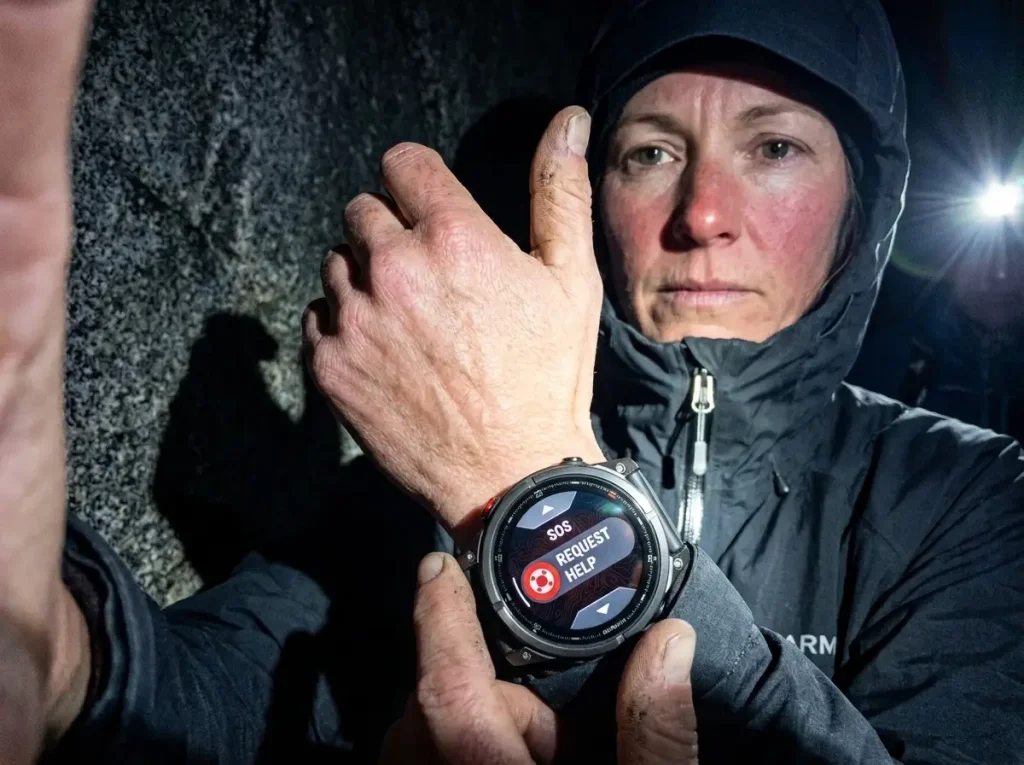
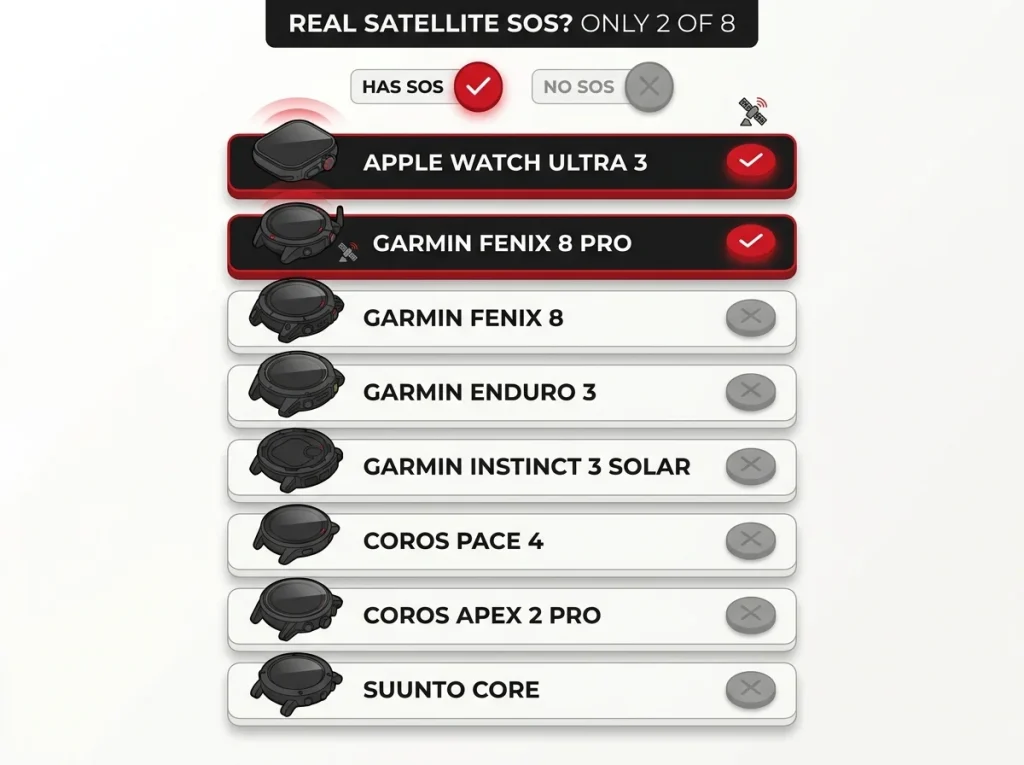
This is the section the whole roundup is built around, and it is the one most guides bury. The phrase GPS watch quietly implies safety, as if a watch that knows where you are can also get you help. For six of these eight watches, it cannot. Knowing which two can, and what it actually takes to make them work, is the most safety-relevant decision in this entire guide.
What Satellite SOS Actually Requires (Hardware + Subscription)
Real emergency messaging needs two things most buyers do not separate. First, the hardware: a satellite radio built into the watch that can reach a network in the sky, not the cell towers your phone uses. Second, for the Garmin inReach system, an active subscription, because the satellite network that carries your SOS is a paid service. A watch can have GPS, track flawlessly, and still have zero ability to send a message once you leave cell coverage. The difference between satellite messengers is worth understanding on its own, which is what how Garmin’s inReach system compares to a SPOT messenger lays out.
The Only 2 Watches Here With Real Two-Way Emergency Messaging
Out of this entire lineup, exactly two watches carry built-in two-way satellite emergency communication: the Apple Watch Ultra 3 and the Garmin fēnix 8 Pro with inReach. Every other watch here has no onboard satellite messaging whatsoever: both Coros models, the Suunto lineup, the standard Fenix 8, the Amazfit T-Rex line, the Polar Grit X2 Pro, and fitness bands like the Fitbit Charge 6. That is not a knock on those watches. It is a warning against assuming a feature that most of them simply do not have. If safety-from-anywhere is your priority, your shortlist is two watches long.
What to Carry Instead If Your Watch Doesn’t Have It
If you love one of the six watches without SOS, you do not have to give it up, you pair it. A standalone satellite messenger or beacon carries the emergency link your watch lacks, and it is the standard backcountry answer for exactly this gap. Our guide to choosing a dedicated personal locator beacon covers the options for hikers who want the tracking watch they already like plus a real way to call for help. For a soloist heading far off-grid, that pairing is not optional, it is the plan.
Do You Even Need a GPS Watch? A Buyer’s Guide by Experience Level
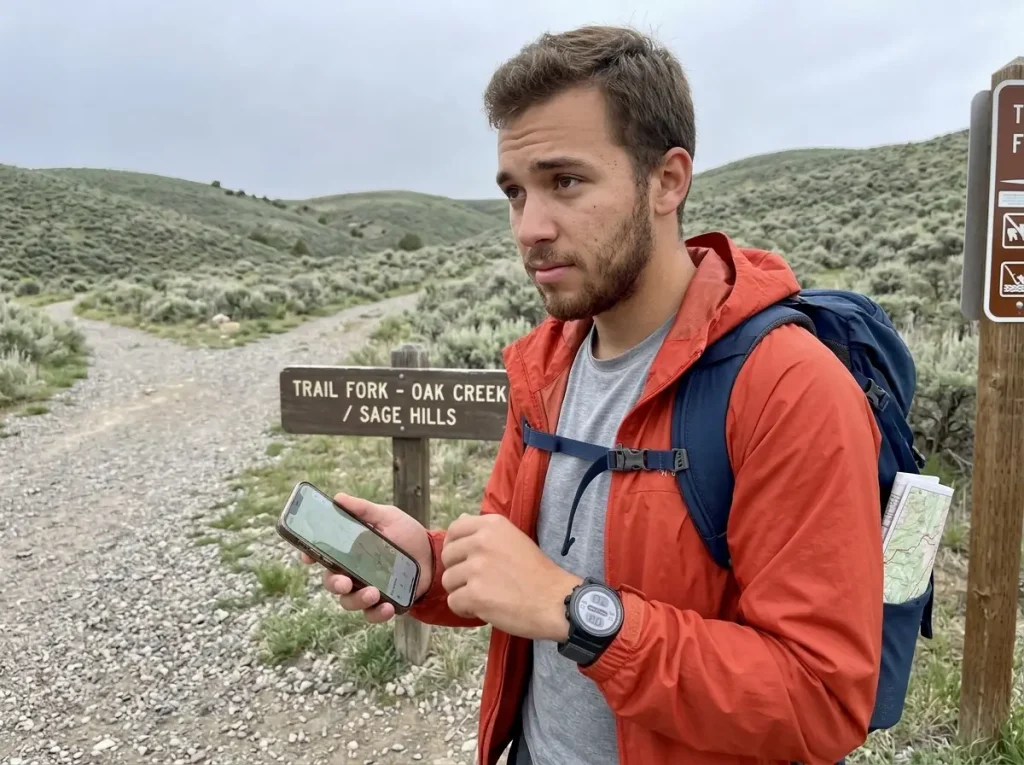
After all the specs, the most useful question is the one no product page asks: do you actually need this. The honest answer for a lot of hikers is that the watch they are eyeing is more than their trips require. If you are still deciding between whole categories of navigation gear, our full guide to every type of hiking navigation device is the place to zoom out first. Then come back and match the tier to your real hiking.
When an Expedition Flagship Is Overkill
An Enduro 3 or fēnix 8 Pro is a magnificent tool for the wrong owner it will quietly waste. The 46-day battery, the multi-band precision, the expedition-grade everything, those earn their keep on trips of roughly five days and up, in real backcountry. For someone whose hiking is day trips and the occasional overnighter on marked trail, most of that headroom goes unused for years, if ever. Spending flagship money on a weekend habit is the most common overspend in this category, and the mid-tier picks cover that hiker completely.
The Beginner’s Onramp (Where the Coros Apex 2 Pro Fits)
If you want a real GPS watch without the flagship trap, the honest onramp is the Coros Apex 2 Pro. It gives a first-timer accurate dual-frequency positioning and followable offline maps, the two things that actually matter, without burying them under expedition menus or an expedition price. You grow into its features instead of paying for a shelf full you will never open. It is the watch to buy when you know you will keep hiking but are not yet living in the backcountry.
When a Phone App or ABC Watch Is Genuinely Enough
For the casual day hiker, the smartest setup is often no GPS watch at all. If you already carry a smartphone, a solid map app covers on-trail routing, and our roundup of the best free hiking apps to pair with a phone-first setup shows how far the free options go. Add a Suunto Core for altimeter, barometer, and compass backup and you have covered most of what a premium GPS watch does, for far less. If you are weighing the whole approach, whether a dedicated GPS unit beats using your phone is the comparison to read before you spend.
Whatever watch you land on, pair it with a paper map and a real compass and know how to use them. A watch and a phone in the same pocket share the same weaknesses, cold and a dead battery, so they are not backups for each other. The map and compass are the redundancy that keeps working when the electronics quit, which is exactly when you need it most. This is echoed by the American Hiking Society’s navigation resource for backcountry travelers.
The backup principle here is not optional gear-nerdery, it is the one habit that turns a dead watch into an inconvenience instead of an emergency. The American Hiking Society’s navigation resource for backcountry travelers makes the same case: never trust a single battery-powered device with your route.
Conclusion
Buy the watch your trips actually justify, not the one with the biggest spec sheet. Three things to carry out of this guide. First, only two of these eight watches, the Apple Watch Ultra 3 and the Garmin fēnix 8 Pro, can call for help off the grid, so verify the hardware instead of trusting the phrase GPS watch. Second, whatever battery number you see on the box, plan for 20 to 40 percent less in freezing weather. Third, most weekend hikers are better served by the Instinct 3 or a Coros pick than by an expedition flagship. Figure out your real trip length and terrain first, then buy the tier that matches it.
Frequently Asked Questions
01Do I need a GPS watch for hiking, or is my phone enough?
For most casual day hikers, a phone with an offline map app is genuinely enough. A dedicated GPS watch earns its cost on multi-day trips, in cold or wet conditions, and when you want battery redundancy your phone cannot give you.
02Is a Garmin or Apple Watch better for hiking?
Garmin wins on battery life and rugged durability, running for weeks where an Apple Watch runs for a day or two. The Apple Watch Ultra 3 wins on built-in satellite SOS and iPhone integration. Pick by which phone you already carry.
03How long does a hiking GPS watch battery actually last?
It ranges from a day or two on an Apple Watch to up to 46 days on a Garmin Enduro 3 in smartwatch mode. Continuous GPS tracking drains far faster, and freezing weather cuts another 20 to 40 percent off the rated number.
04What is the difference between a hiking watch and a running watch?
A hiking watch prioritizes offline topo maps, the altimeter, barometer, and compass sensor set, and multi-day battery life. A running watch focuses on pace and training metrics with a one or two day battery. Many watches now do both, but the mapping and battery separate them.
05Does my hiking watch need satellite SOS?
It depends on how far off-grid you go. Only two watches here have it built in, the Apple Watch Ultra 3 and Garmin fēnix 8 Pro. If you hike solo in remote terrain and do not carry a separate beacon, satellite SOS is worth prioritizing.

I've spent more than a decade researching hiking gear and trail technique. I read the specs, the forum threads and the long-term reviews, and every pick here comes with what it gets wrong.
End of the trail
You read every mile of this one. Here's where the trail goes next.